
Help Center
How can we help?
Simple, step-by-step guides for organizers and guests.
No guides match “”.
Try a shorter or different word, like “signup,” “RSVP” or “admin.”
Still stuck? Contact us. We read every message.
Getting Started
Set up your first events, signups and forms.
- How to Create Volunteer Signups and Time Slots
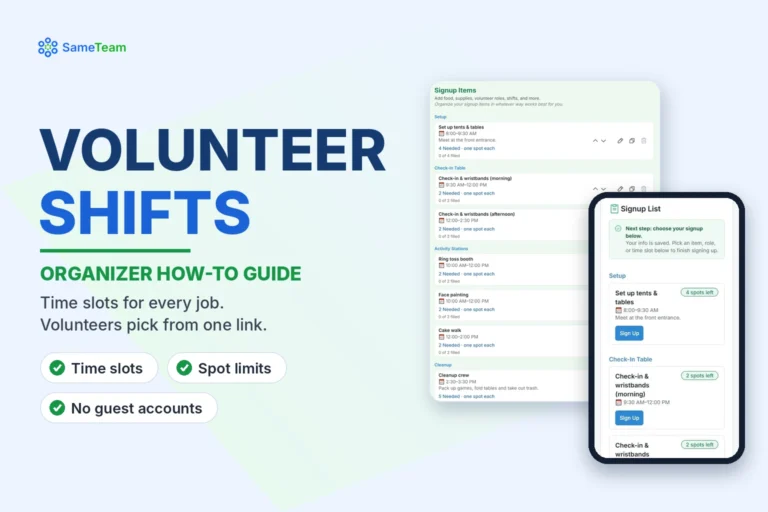 Set up volunteer shifts with categories, time slots and spot limits using a school carnival example, and see how volunteers choose their commitments.
- How to Create a Potluck Signup Sheet
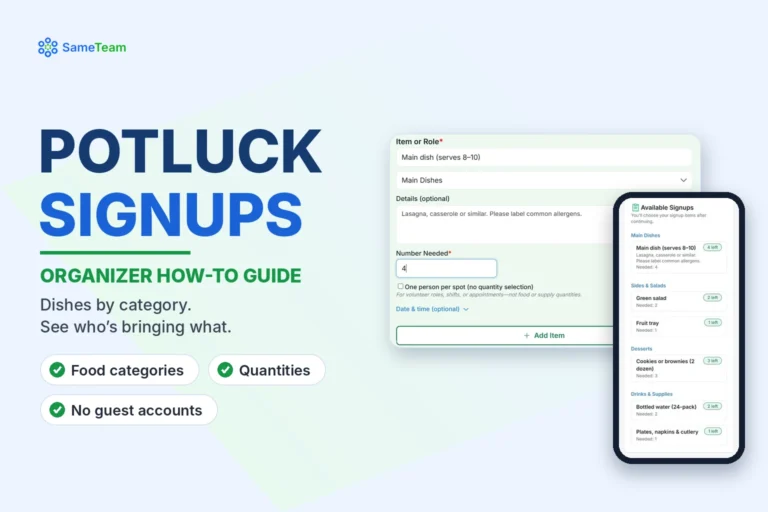 Create a potluck signup sheet with food categories and quantities, see how guests choose what to bring, and monitor contributions on the Responses page.
- How to Add Custom Questions to Events
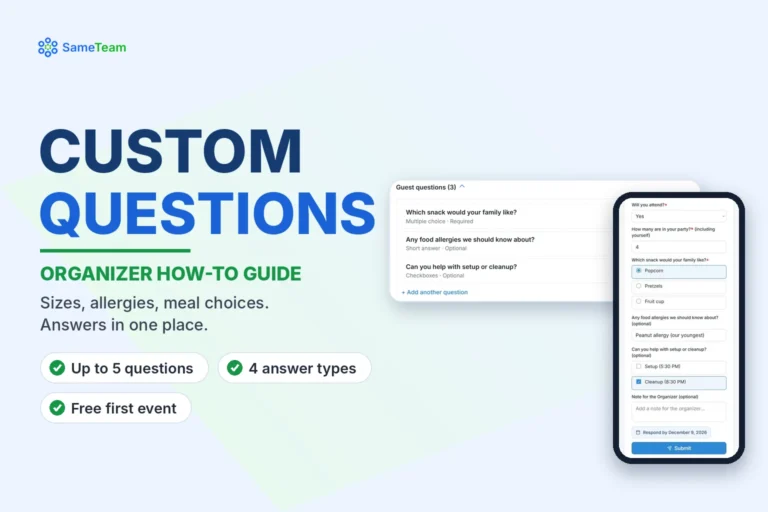 Add up to 5 custom questions to RSVP or signup events, choose answer types, and view or export answers. Includes examples for schools, churches and nonprofits.
- How to Create AI Event Images and Flyers
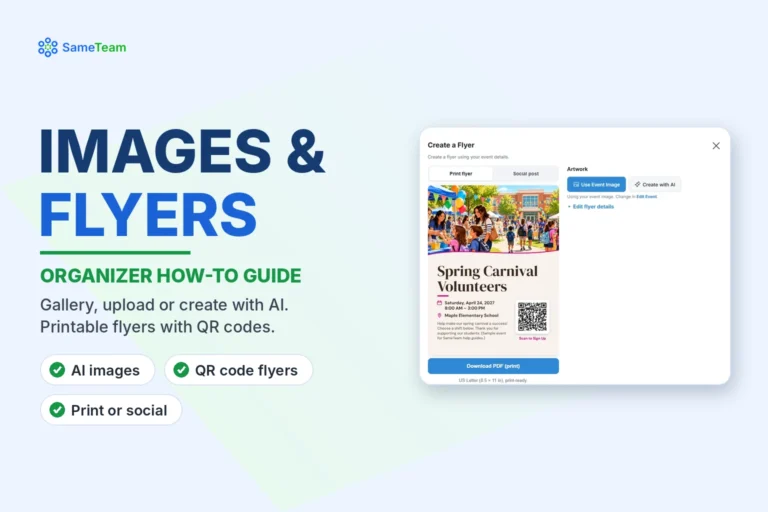 Choose a gallery image, upload your own or create one with AI, then make a printable or social media flyer with a QR code. Includes plan limits.
Managing Events
Keep responses accurate and guests informed.
- Automatic vs. Manual Event Reminders: How They Work
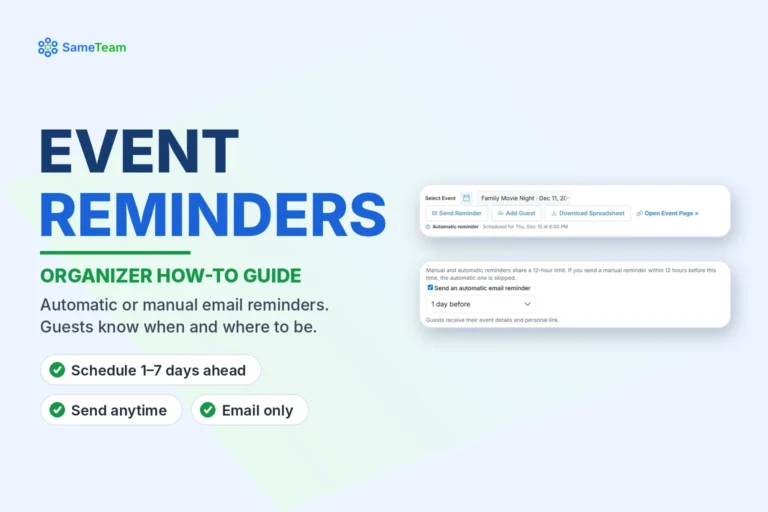 Learn the difference between automatic and manual event reminders in SameTeam Events, when each is sent, who receives them, and how to schedule one.
- How to Add Guests and Manage Their RSVPs and Signups
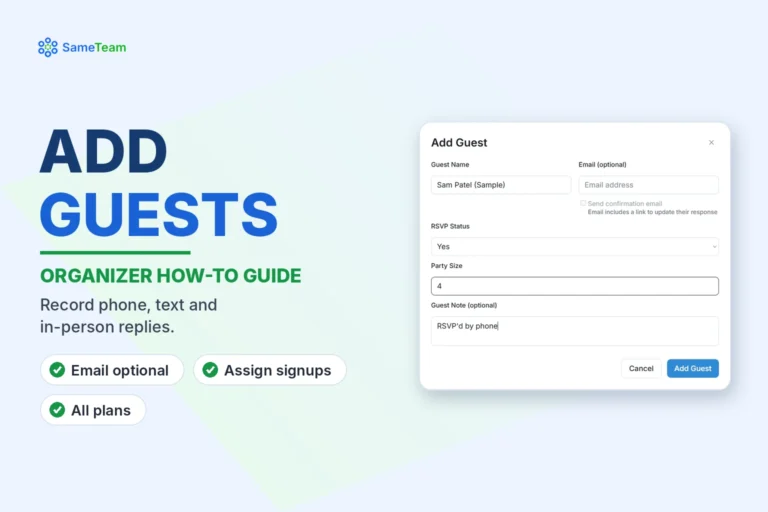 Use Add Guest to record RSVPs and signups for people who reply by phone, text or in person, assign their signups and review the results.
- How to Edit or Remove Guest Responses
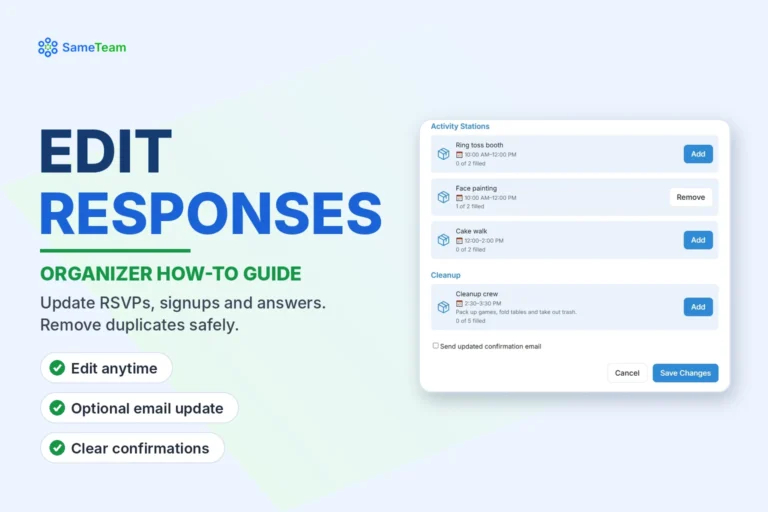 Edit a guest’s RSVP, party size, signups or custom answers, remove a signup or the whole response, and see how organizer controls differ from guest self-service.
- How to Duplicate an Event and Reuse Your Setup
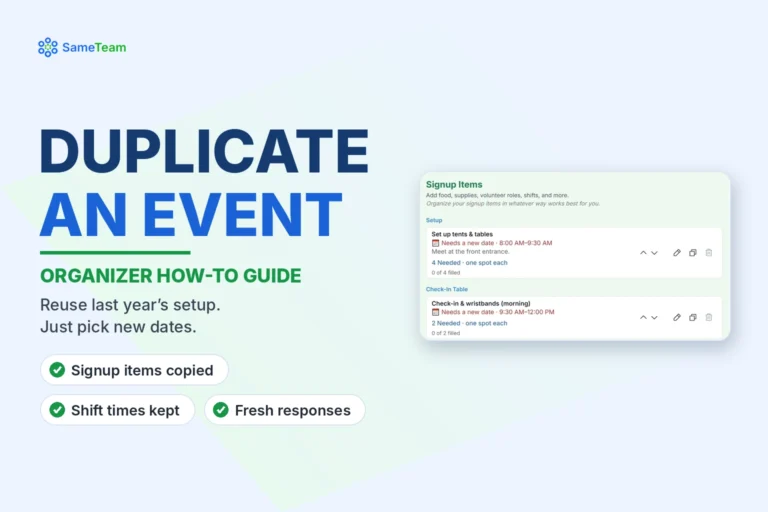 Duplicate an event to reuse its signup items, shift times and questions. Learn what carries over, what doesn’t, and how to publish the copy.
- How to Track and Manage Volunteer Hours
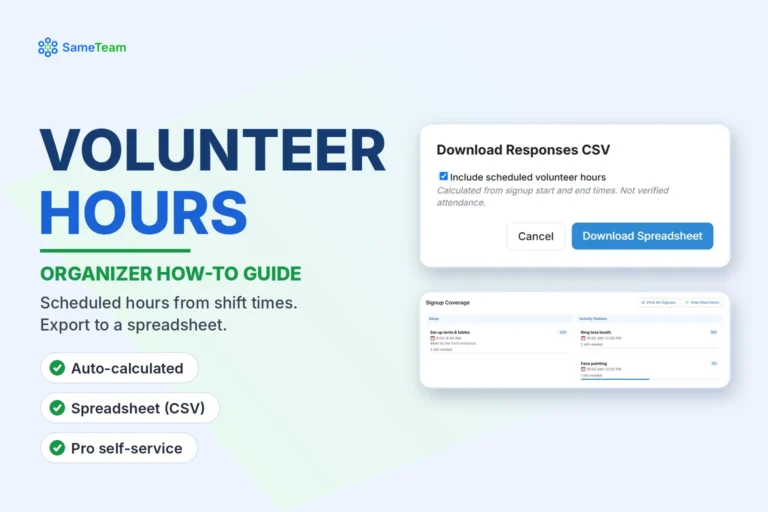 Learn how SameTeam calculates scheduled volunteer hours from shift times, how to export them to a spreadsheet, and what volunteers can see on Pro.
Advanced Features
Pro tools and account options for growing teams.
- How to Add and Manage Multiple Admins
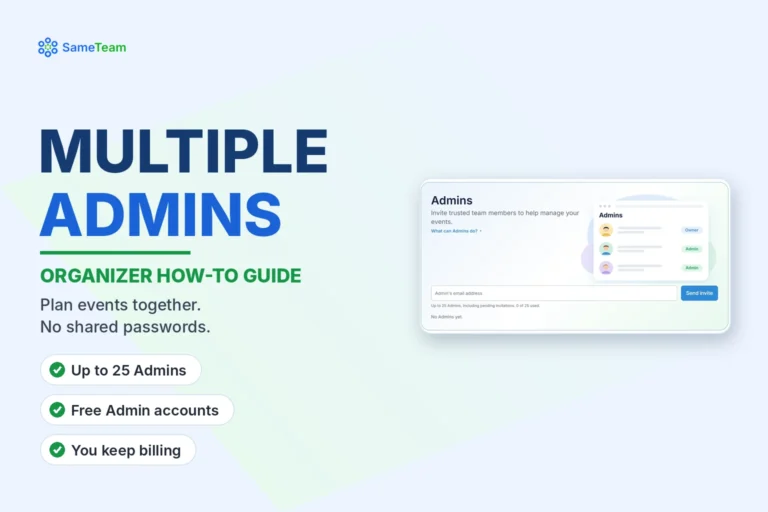 Invite up to 25 Admins on SameTeam Pro to help manage events, responses, signups and reminders, and learn what Admins can and can’t do.
- How to Create and Manage Event Hubs (Multiple Events, One Link)
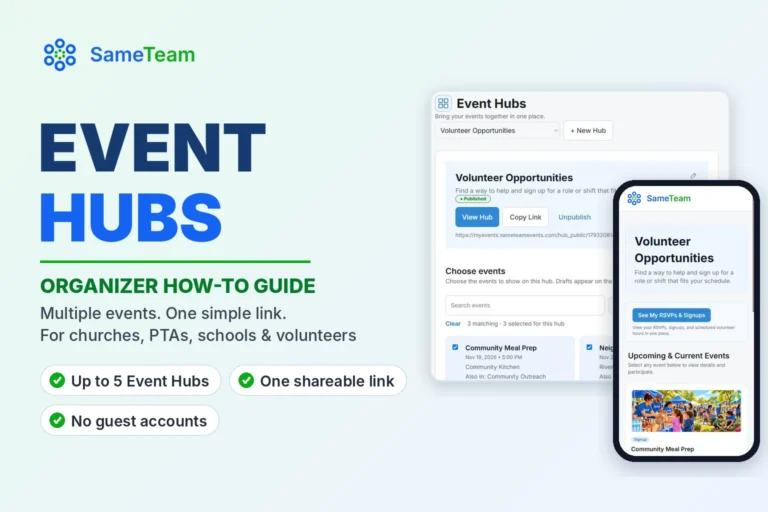 Running more than one event? Learn how to create, publish and share Event Hubs in SameTeam Events, so families and volunteers find every event from one link.
- How to Pause Your Event Planning Subscription Between Events
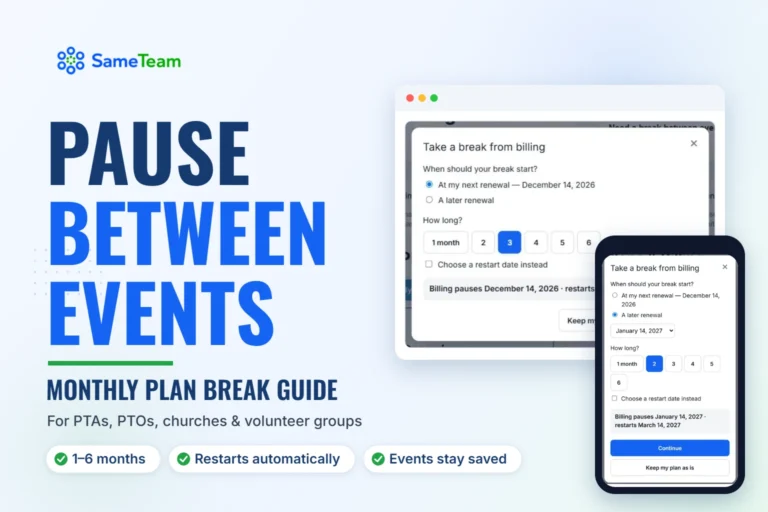 Only organize a few events a year? Learn how to pause your monthly SameTeam Events plan for 1 to 6 months, what guests see while you’re paused, and how billing restarts automatically.
- How to Transfer Your Events to a New Organizer (PTA, PTO & Church Handoffs)
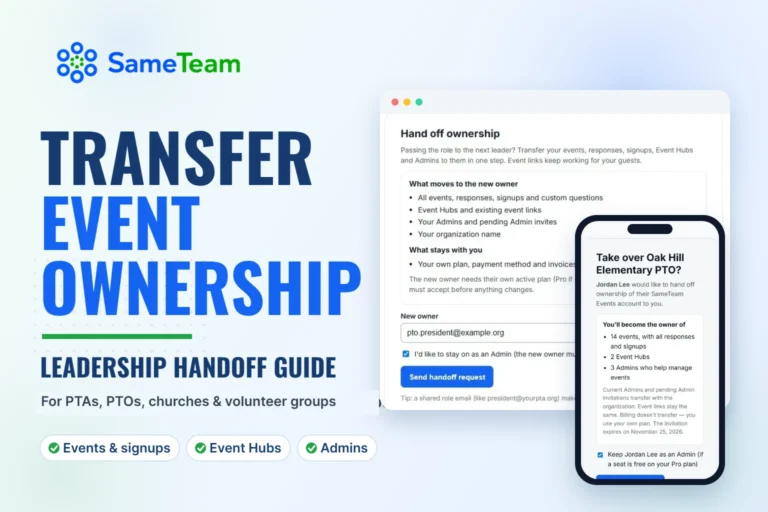 New PTA president or church coordinator? Learn how to transfer your events, signups, Event Hubs and Admins to the next organizer in SameTeam Events, without breaking guest links.
Guest Help
For parents, volunteers and guests who signed up.
- How to View and Manage Your Signups (My Signups)
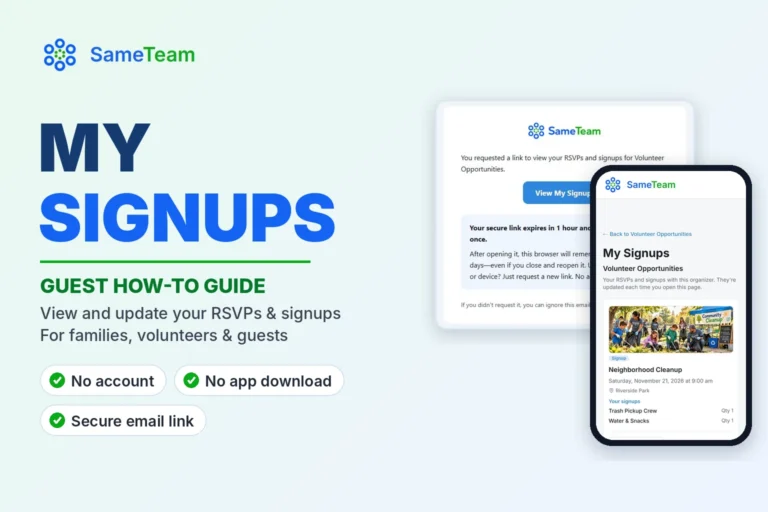 Signed up for an event through SameTeam? Learn how to see your RSVPs and volunteer signups with an organizer in one place, and change or cancel them, with no account or app.
Can’t find what you need?
Use the Help chat in the corner, or contact the SameTeam team.