How to Create Volunteer Signups and Time Slots
Set up volunteer shifts with categories, time slots and spot limits using a school carnival example, and see how volunteers choose their commitments.

Step-by-step SameTeam Events help guides for organizers.
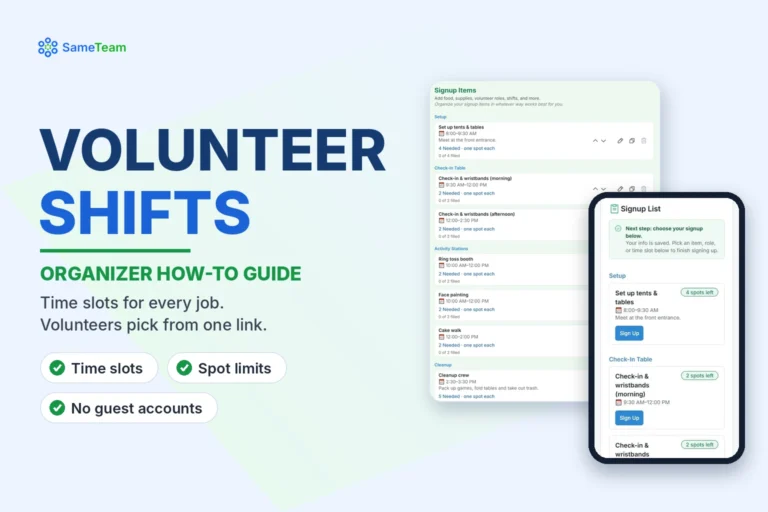
Set up volunteer shifts with categories, time slots and spot limits using a school carnival example, and see how volunteers choose their commitments.
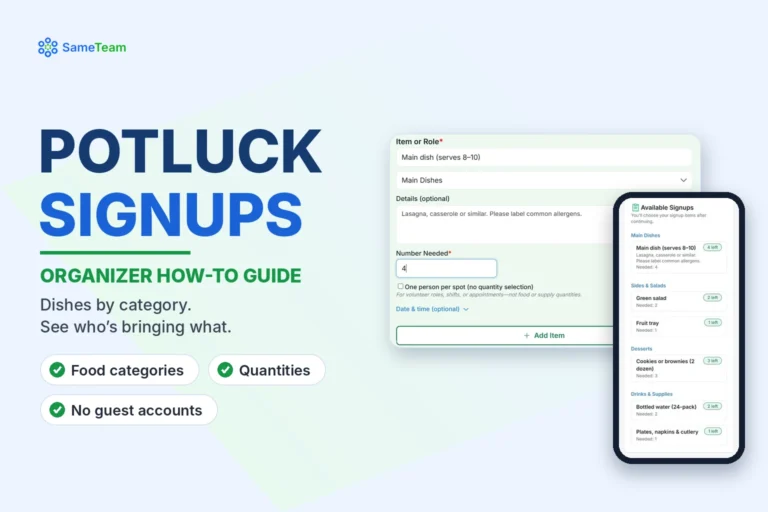
Create a potluck signup sheet with food categories and quantities, see how guests choose what to bring, and monitor contributions on the Responses page.
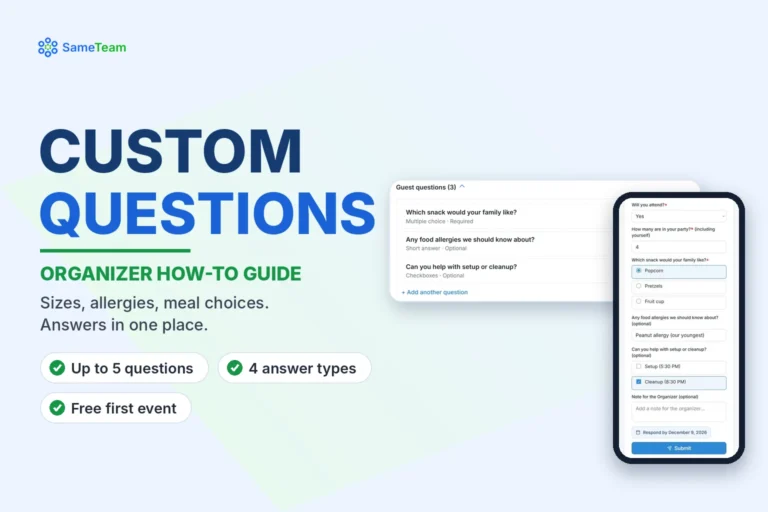
Add up to 5 custom questions to RSVP or signup events, choose answer types, and view or export answers. Includes examples for schools, churches and nonprofits.
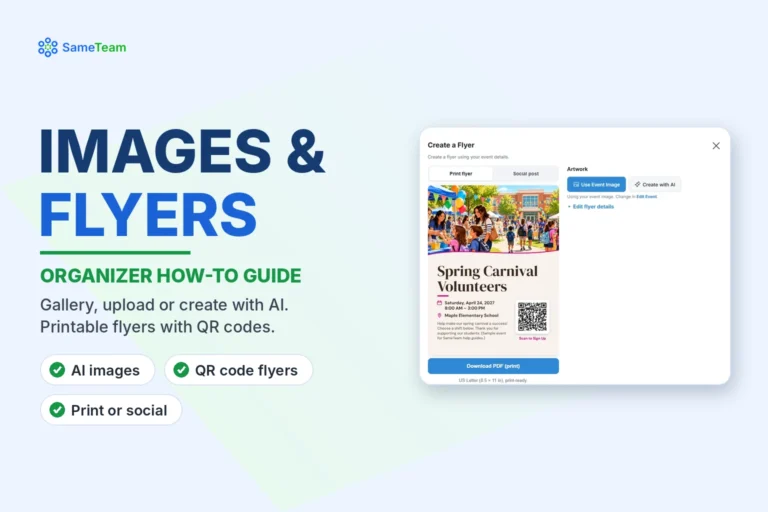
Choose a gallery image, upload your own or create one with AI, then make a printable or social media flyer with a QR code. Includes plan limits.
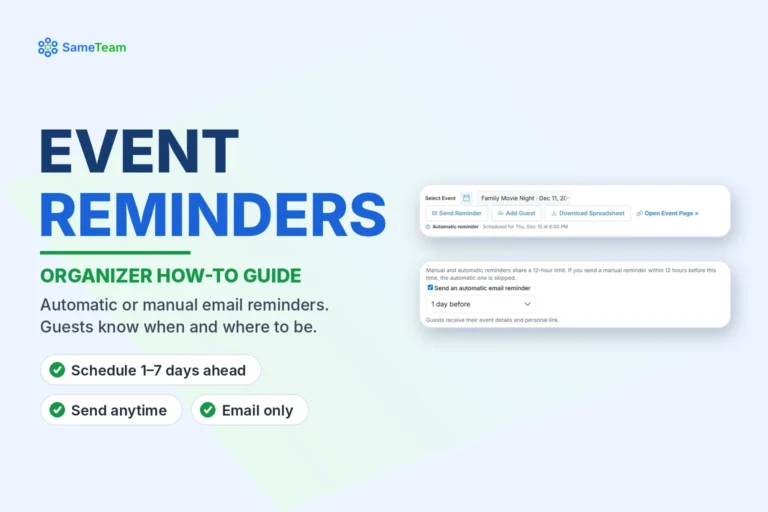
Learn the difference between automatic and manual event reminders in SameTeam Events, when each is sent, who receives them, and how to schedule one.
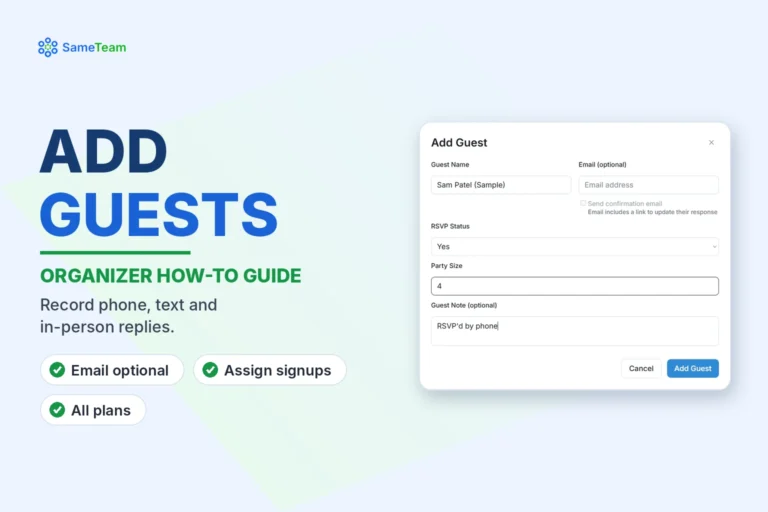
Use Add Guest to record RSVPs and signups for people who reply by phone, text or in person, assign their signups and review the results.
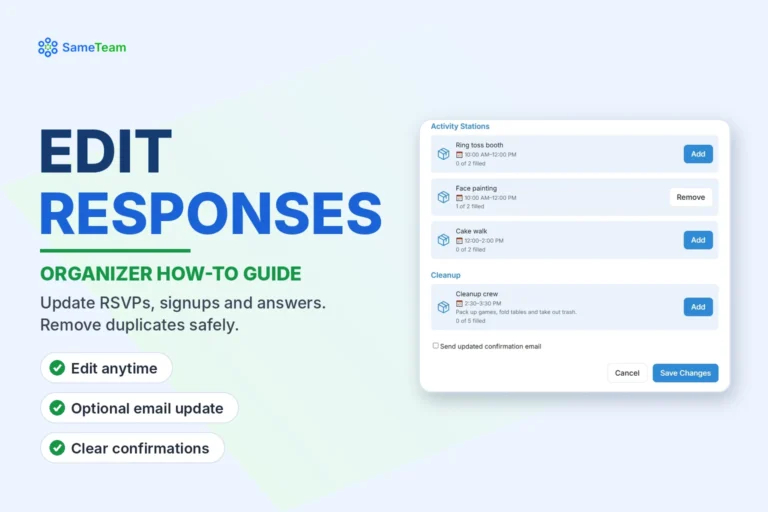
Edit a guest’s RSVP, party size, signups or custom answers, remove a signup or the whole response, and see how organizer controls differ from guest self-service.
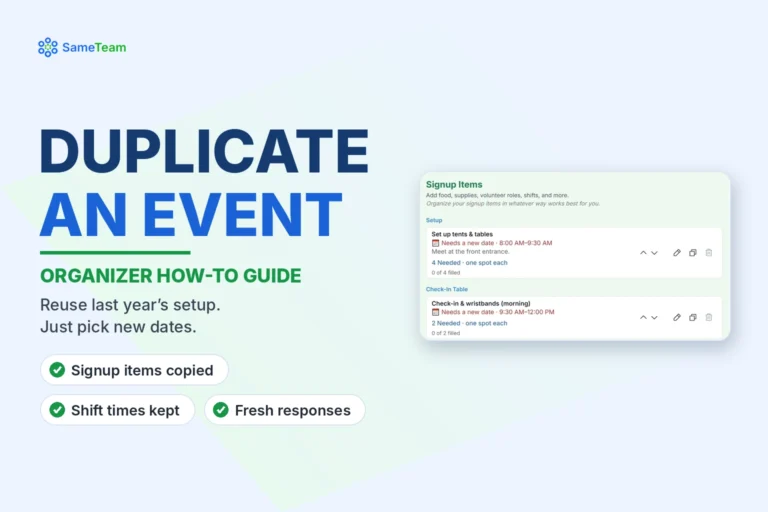
Duplicate an event to reuse its signup items, shift times and questions. Learn what carries over, what doesn’t, and how to publish the copy.
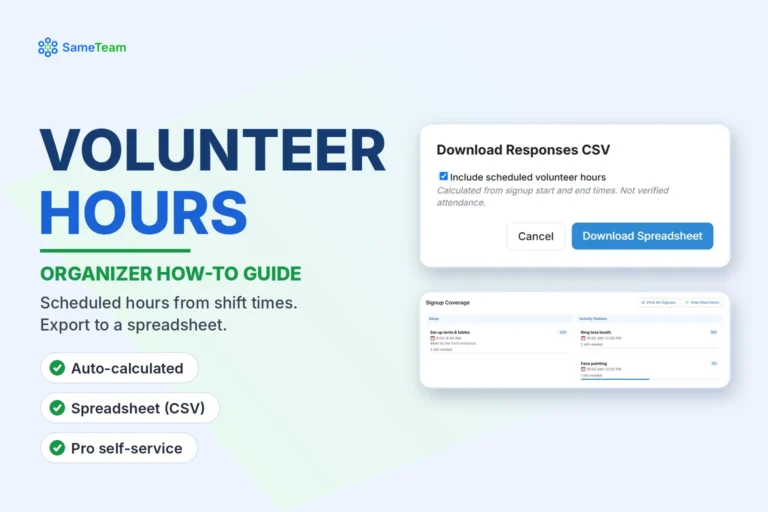
Learn how SameTeam calculates scheduled volunteer hours from shift times, how to export them to a spreadsheet, and what volunteers can see on Pro.
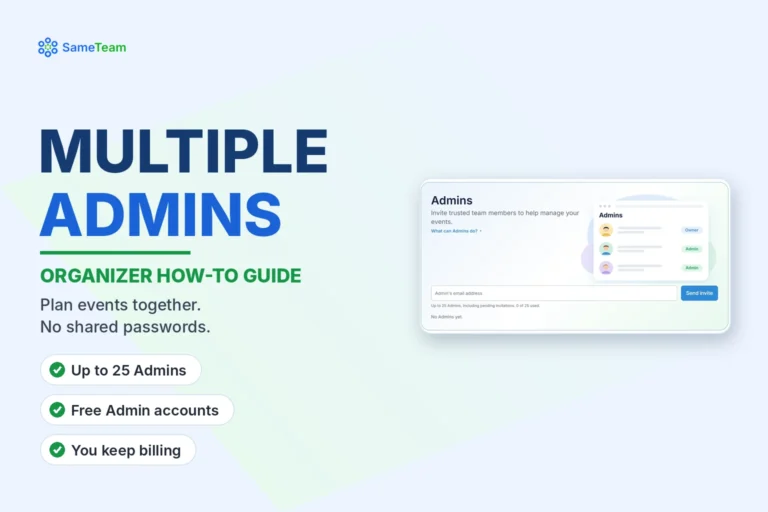
Invite up to 25 Admins on SameTeam Pro to help manage events, responses, signups and reminders, and learn what Admins can and can’t do.
We use cookies to understand how our website is used and to improve your experience. You can choose whether to accept cookies.