How to Choose the Best Event Planning App for Your Group
Planning a group event should feel exciting—not like you accidentally accepted a second job. The right event planning app can help you collect RSVPs, organize signups, coordinate volunteers, and keep every detail in one place without making guests create another account.
Quick answer: The best event planning app for groups is easy for organizers to set up, easy for guests to use, and flexible enough to handle RSVPs, signups, volunteer roles, food, supplies, and event details from one link.
What Is an Event Planning App? 📱
An event planning app is a tool that helps organizers create an event, share important details, collect responses, and track what is still needed. Some tools focus on ticket sales or large conferences. Others are designed for everyday group events such as reunions, team picnics, volunteer projects, school activities, church gatherings, potlucks, and community events.
For most small and midsize groups, the biggest challenge is not creating a fancy event website. It is keeping track of practical questions:
- Who is coming?
- How many guests are they bringing?
- Who signed up to help?
- What food, supplies, or roles are still needed?
- Did everyone receive the correct event details?
A good event planning app answers those questions without forcing organizers to juggle spreadsheets, paper signup sheets, group texts, and endless email replies.
Good event technology should reduce work—not create another system you have to manage.
8 Features to Look for in an Event Planning App 🔍
1. Simple RSVP Tracking
Look for clear Yes, Maybe, and No responses, plus party sizes and guest notes when needed.
2. Flexible Signups
Your event may need volunteer roles, food, supplies, shifts, tasks, gifts, or equipment—not just attendance.
3. One Shareable Link
Guests should be able to open one mobile-friendly link from a text, email, newsletter, website, or QR code.
4. No Guest Account Requirement
Every extra password, login, or download creates friction and can lower response rates.
5. A Clear Organizer Dashboard
You should be able to see attendance, signup coverage, open needs, and guest details without digging.
6. Deadlines and Capacity Limits
Useful tools let you close responses on time and prevent confirmed attendance from exceeding your limit.
7. Event Reminders
Plans get busy. Look for a tool that lets organizers send email reminders to people participating in the event without creating a separate email list.
8. Private Guest Information
Names, email addresses, notes, and responses should stay with the organizer rather than appear publicly.
Bonus: A Clean Guest Experience
No ads, clutter, or confusing steps. Guests should know exactly what to do the moment the page opens.
What Types of Events Can You Plan? 🎈
A flexible group event planning app should work for more than one narrow use case. The best tools can support RSVP-only events, signup-only events, or events that combine both.
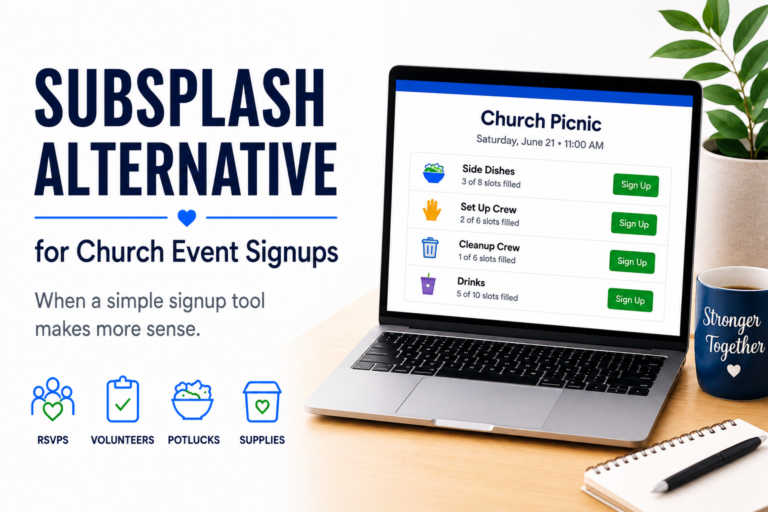
SameTeam also has dedicated solutions for church event planning, PTA event planning, volunteer signup and scheduling, and potluck signups.
Questions to Ask Before Choosing an Event Planning App 🤔
| Ask this | Why it matters |
|---|---|
| Can guests respond without creating an account? | Fewer steps usually means fewer abandoned responses. |
| Can I collect both RSVPs and signups? | You may need to know who is attending and how each person will help. |
| Can I set quantities for roles or items? | This shows what is full, what is open, and what still needs coverage. |
| Can guests update their own response? | Plans change. Personal update links save organizers from making every edit manually. |
| Can I send event reminders to participants? | Built-in reminders make it easier to follow up with participating guests without managing a separate email list. |
| Does the tool include ads or public guest information? | A clean, private experience feels more professional and trustworthy. |
| Will it work on phones without a download? | Most guests will open your invitation from a text or email on their phone. |
| Does the pricing match how often I plan events? | A simple plan based on event volume is easier to understand than surprise fees or feature restrictions. |
Free Event Planning App vs. Paid Event Planning Software
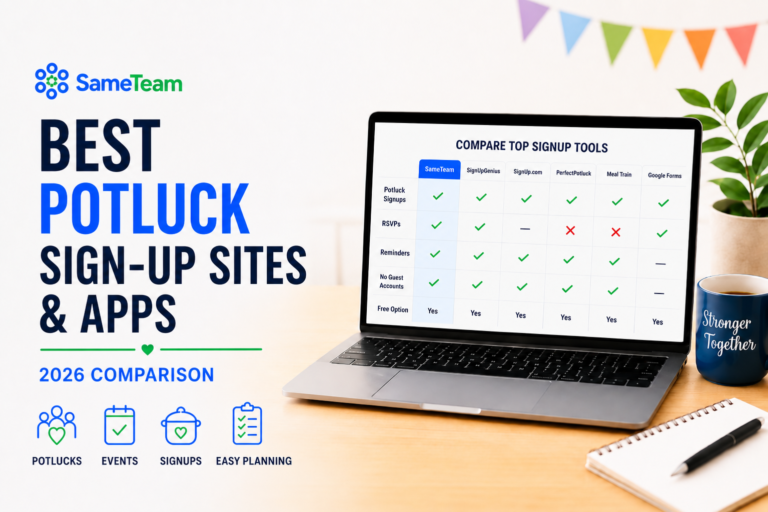
Free event planning apps can be useful, but “free” may come with tradeoffs such as ads, guest accounts, limited features, public signup information, or restrictions on how many people can respond.
Before choosing a free tool, look beyond the price tag and ask what the experience will be like for your guests. A tool that saves a few dollars but creates confusion may cost you more time in follow-up messages.
SameTeam lets you create your first event free with no credit card required. Guests always RSVP and sign up for free.
Why Groups Choose SameTeam Events 💙
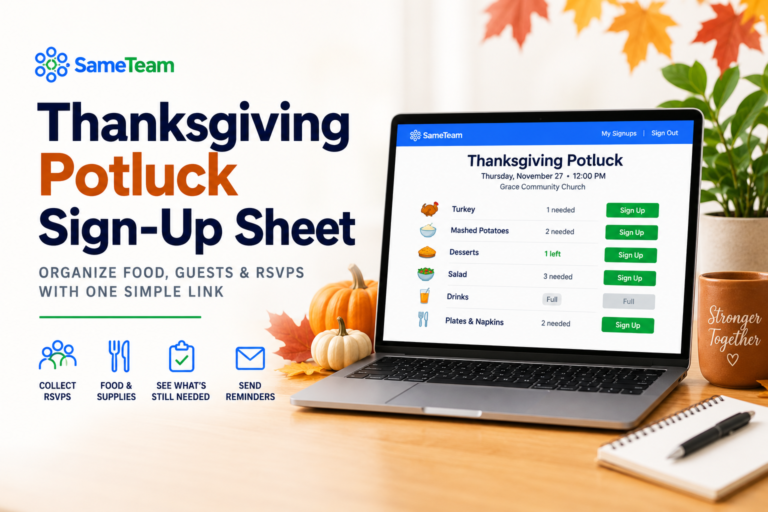
SameTeam Events is a web-based event planning app built for real-life group events. Organizers can create an RSVP-only event, a signup-only event, or combine both on one page.
- Collect Yes, Maybe, and No responses
- Track party sizes and guest notes
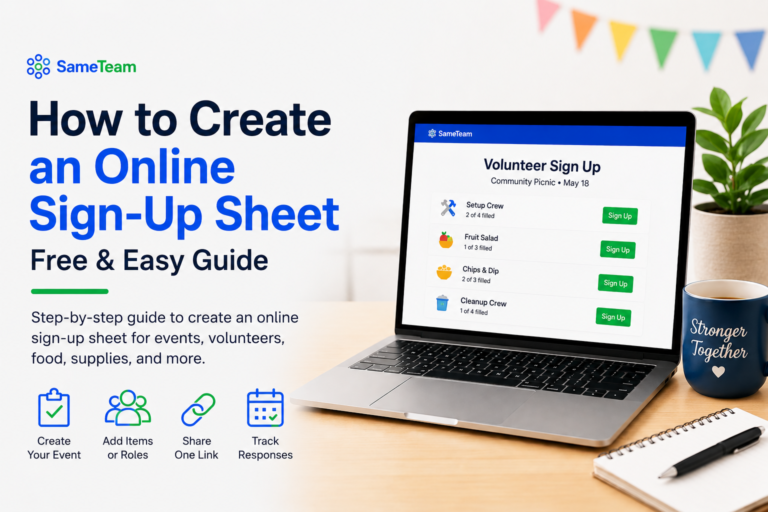
- Create volunteer roles, shifts, food lists, supplies, and other signup needs
- Set quantities, deadlines, and capacity limits
- Share the event by link or QR code
- Send email reminders to participating guests directly from the event dashboard
- Keep guest information in a private organizer dashboard
- Give guests a simple experience with no accounts or ads
Everything stays together, so you can stop checking five different places to figure out who is coming and what still needs to be done. 🎉
Ready to Plan Your Next Event?
Create your event, share one simple link, and keep RSVPs, signups, volunteers, and event details together. Your first event is free.
Frequently Asked Questions
What is the best event planning app for groups?
The best option is one that is simple for guests, flexible for organizers, and able to manage RSVPs, signups, volunteer roles, items, and event details from one shareable link.
Is SameTeam a mobile app?
SameTeam Events is a web-based event planning app. Organizers and guests can use it from a phone, tablet, or computer browser without downloading anything.
Can I use an event planning app for a family reunion?
Yes. You can collect household RSVPs, party sizes, meal contributions, activities, supplies, and volunteer help from one event page.
Can guests change their RSVP or signup later?
Yes. SameTeam provides each participant with a personal link they can use to update their response before the event deadline.
Can I use SameTeam for an RSVP-only event?
Yes. You can create RSVP-only, signup-only, or combined RSVP and signup events.
Is SameTeam Events free?
Your first event is free with no credit card required. Guests always respond and sign up for free. Paid plans include unlimited events with no ads or guest accounts.