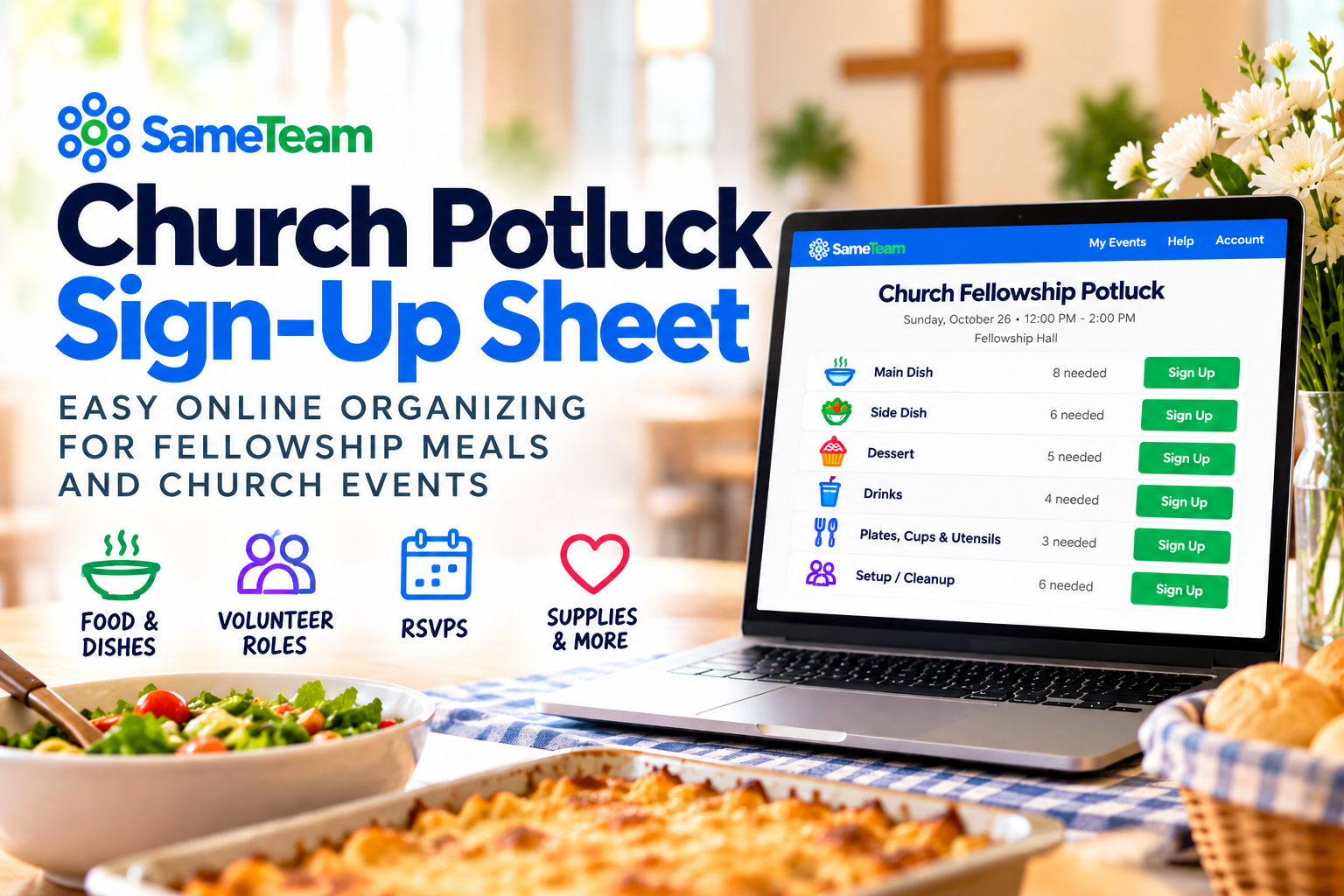
Church Potluck Sign Up Sheet: How to Organize Who Brings What
Planning a fellowship meal, church dinner, or holiday potluck? Organize food, supplies, volunteers, and RSVPs with one simple link. Create your first SameTeam event free.
Create Your First Potluck Free →
No guest accounts · No app downloads · No ads
A church potluck should bring people together—not leave one volunteer wondering whether six people are bringing dessert and nobody signed up for drinks. A simple church potluck sign up sheet helps your congregation see what to bring, what is still needed, and how to help before the meal.
Whether you are planning a Sunday fellowship lunch, Wednesday-night dinner, small-group gathering, or Thanksgiving meal, an online signup sheet keeps contributions organized. With SameTeam church event planning, you can coordinate dishes and volunteers—and collect RSVPs when you need a headcount—using one link.
Quick answer: To organize a church potluck, list the dishes, supplies, and volunteer roles you need. Set how many contributions are needed for each, publish your signup sheet, and share one link or QR code with your congregation. Choose RSVP + Signup if you also need a headcount. Review what is still missing before the meal.
What should a church potluck sign up sheet include?
Start with clear categories and realistic quantities. Adjust the list for the expected number of guests, whether the church is providing a main course, and any dietary needs your group has shared.
Casseroles, baked pasta, chicken, vegetarian mains, or a main dish provided by the church.
Vegetables, fruit, potatoes, rice, green salads, and other dishes to round out the meal.
Cookies, brownies, pies, cakes, and fruit. Limit spots if you want to avoid too many desserts.
Water, lemonade, ice, cups, plates, napkins, utensils, and serving spoons.
Table setup, serving helpers, beverage station, trash collection, and cleanup after fellowship.
Helpful tip: Tell people whether a dish should arrive ready to serve, whether the church is providing the main course, and where food should be dropped off.
Example: Sunday church fellowship potluck signup
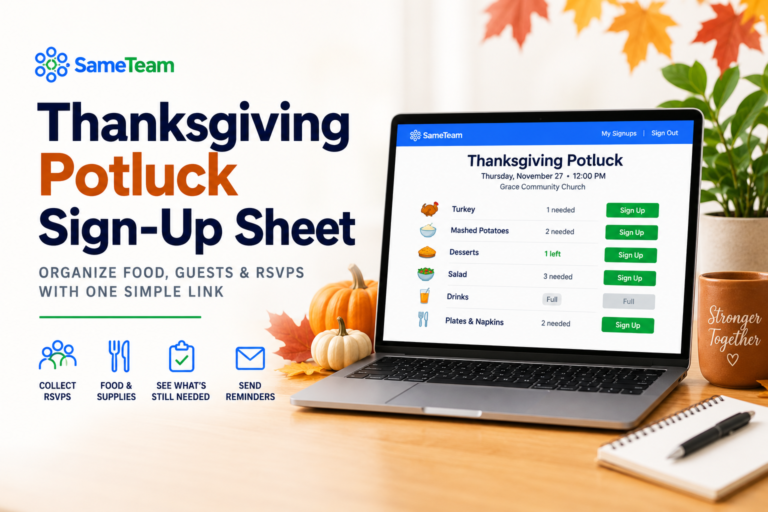
Here is an illustrative list for a fellowship lunch. The numbers are examples, not a universal serving guide; adjust them for your congregation and menu.
Illustrative setup, not a live event or actual signup availability.
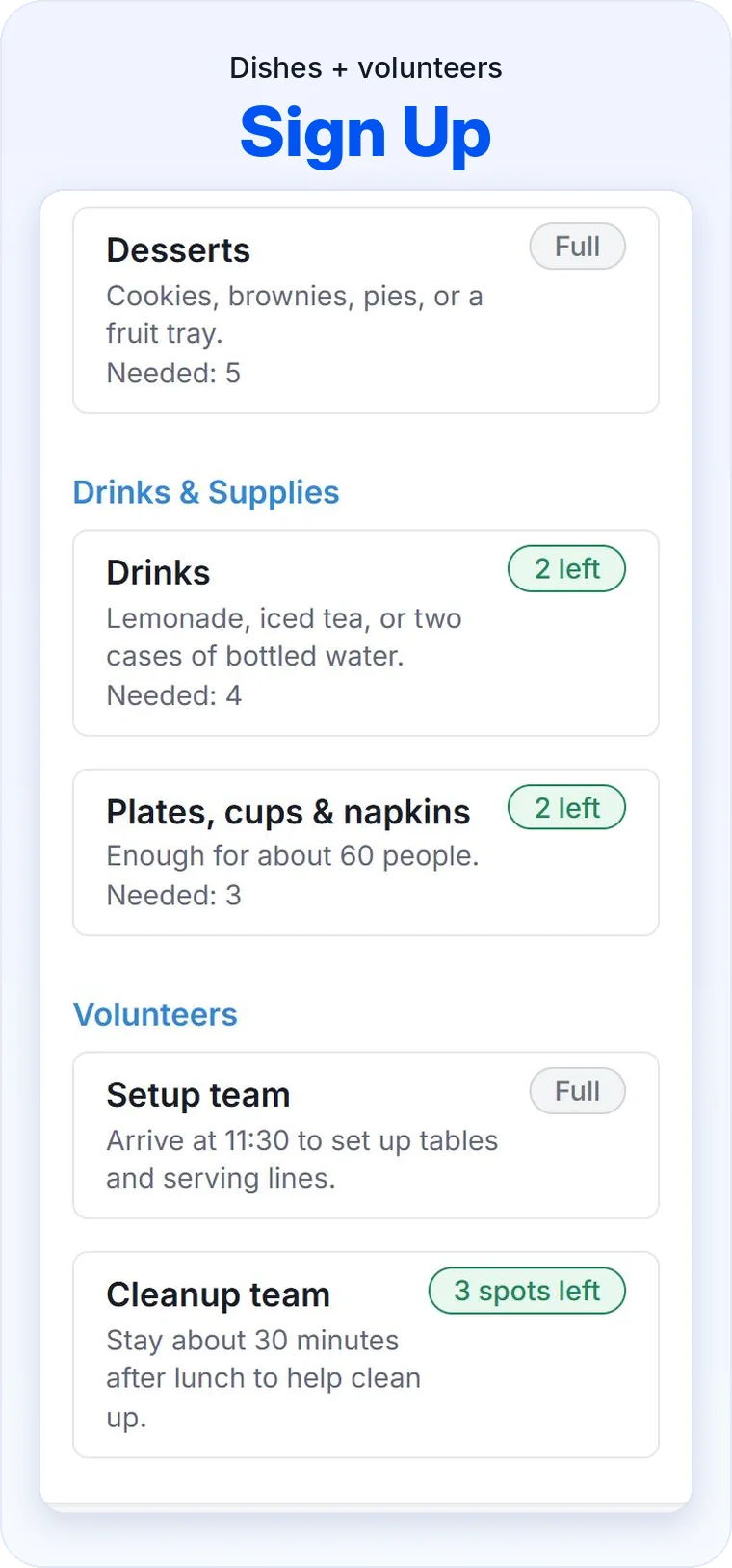
You can also use specific items, such as “Bottled water,” “Green salad,” or “Two cleanup helpers,” when your team wants tighter control over what is brought.
How to create an online church potluck sign up sheet
1. Choose Signup Only or RSVP + Signup
Use Signup Only for dishes and volunteer roles. Choose RSVP + Signup if you also need attendance responses for seating and meal planning.
2. Add the meal details
Enter the date, time, church location or fellowship hall, and simple instructions for portions, serving utensils, and food drop-off.
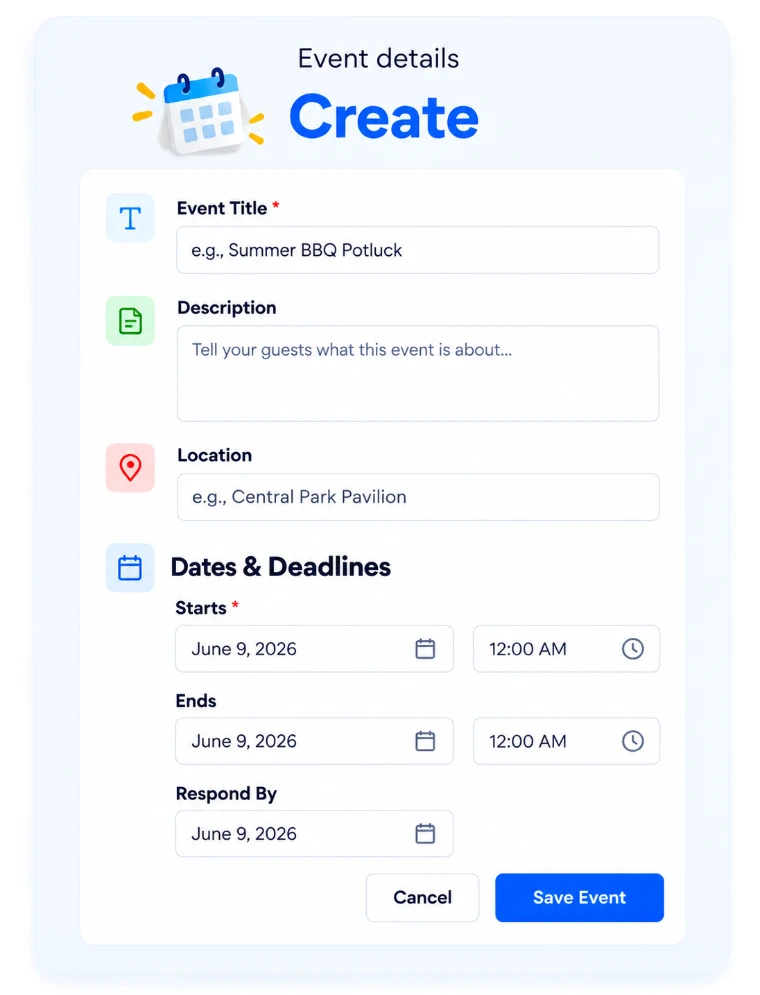
3. Add dishes, supplies, and volunteer spots
List the items or roles you need, grouped by category if helpful. Set the number of available signup spots for each.
4. Set a response deadline
Give people time to respond, but leave enough time before the meal for your team to fill any gaps.
5. Publish and share one link
Send the event link in the church bulletin, email newsletter, small-group messages, or a QR code. Guests use their browser—no guest account or app is required.
6. Check coverage and send reminders
Review the Responses page to see which items are filled and which still need people. Send a reminder when you need additional contributions.
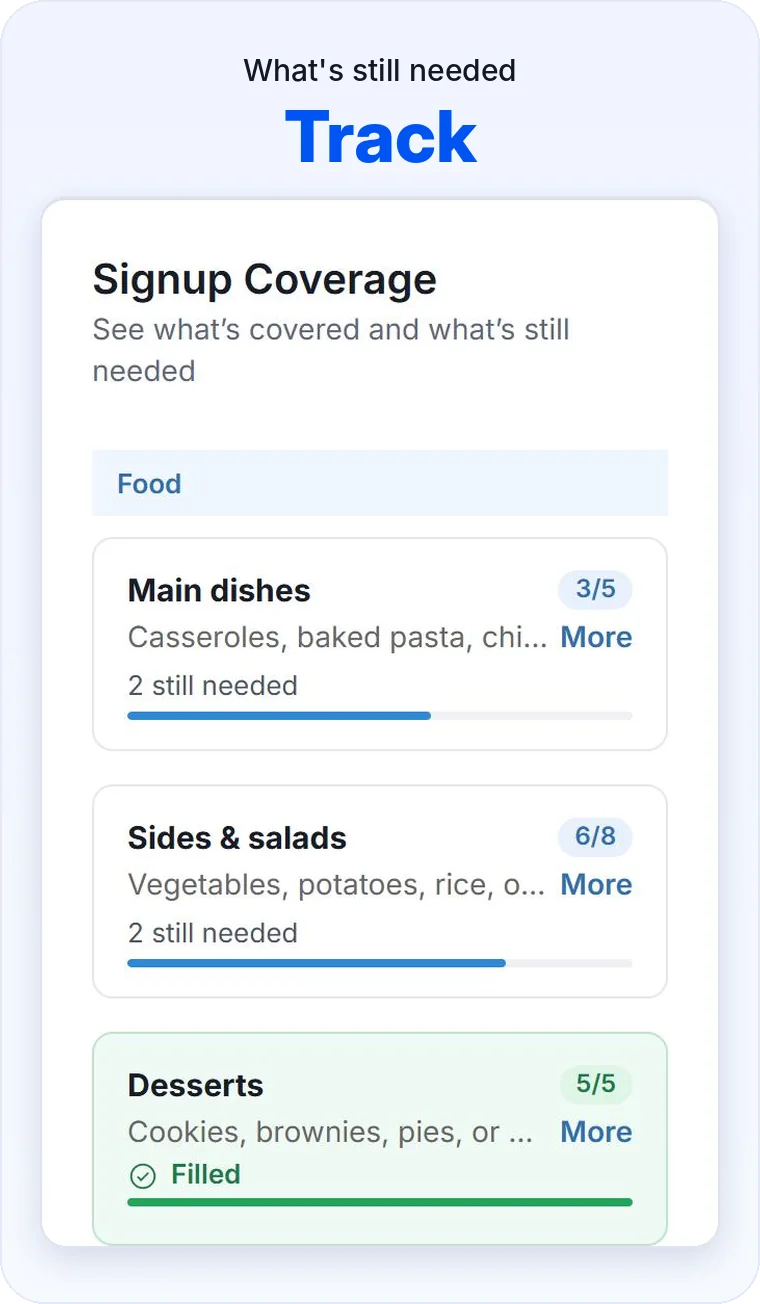
7. Use the process again for your next gathering
The same approach works for monthly fellowship meals, ministry dinners, and seasonal events. Continued event creation after the first free event requires a paid organizer plan.
Common church potluck problems—and how to prevent them
Set signup quantities for each food item and review the remaining spots before sending reminders.
Use one up-to-date link with clear dish descriptions instead of collecting scattered texts and emails.
Add setup, serving, and cleanup roles to the same signup list as the food.
Use RSVP + Signup so guests can indicate attendance as well as their contributions.
Guests can review or update their signup from their personal event link while changes are permitted.
Church potluck ideas for every season
A church potluck signup sheet is useful for much more than Thanksgiving. Ministries that organize recurring meals can use a familiar process throughout the year.
Bring families together after worship and coordinate dishes and setup volunteers.
Organize contributions and serving teams for weekly or monthly gatherings.
Keep the list short with a few dishes, drinks, and supplies.
Plan holiday favorites, extra seating help, and cleanup volunteers.
Share the signup with the specific group and see what remains needed.
Need help beyond potlucks? See our volunteer signup guide and online potluck signup guide.
Why a reusable signup process matters for churches
Churches rarely organize just one gathering. Fellowship teams may coordinate monthly meals, children’s ministry volunteers may organize special events, and outreach teams may need supplies and helpers throughout the year. A consistent signup process makes each event easier to run.
One link, no guest accounts, no app downloads, and no ads.
See attendance responses and signup coverage in one organizer view.
Use RSVP Only, Signup Only, or RSVP + Signup based on what the event requires.
A paid organizer subscription supports unlimited events and participants after your first free event.
Is SameTeam free for church potlucks?
Your first SameTeam event is free. Try it for a church fellowship meal before deciding whether it works for your ministry. SameTeam does not offer unlimited free events.
After your first event, plans start at $12/month, billed annually, with unlimited events and participants. Congregation members never need an account, subscription, or app to sign up.
Make your next church potluck easier to organize
One link for dishes, supplies, volunteers, and RSVPs. Try your first event free.
Create Your First Potluck Free →
No guest accounts · No app downloads · No ads
Frequently asked questions about church potluck signups
How do I make a church potluck sign up sheet?
Create a SameTeam Signup Only event, add dishes and volunteer roles with the number of spots needed, then share the published event link.
What should I include on a church potluck signup list?
Include main dishes, sides, desserts, drinks, serving supplies, and any setup or cleanup roles your gathering needs.
Can people sign up without creating an account?
Yes. Guests open the link and provide their name and email. They do not need a guest account or app download.
Can I collect RSVPs and food contributions in one event?
Yes. Choose RSVP + Signup to collect attendance responses and signup selections together.
Can guests change what they are bringing?
They can use their personal event link to review or change selections while responses are open and signup spots remain available.
Can we use SameTeam for monthly church meals?
Yes. Your first event is free; additional events require a paid organizer subscription.
Does SameTeam show ads to church members?
No. SameTeam event pages are ad-free for guests.
A great church potluck is about fellowship, not chasing responses. Create your first church potluck free with SameTeam →