🍽️ Potluck Planning Tools
Best Potluck Sign Up Sites & Apps for Easy Group Planning (2026)
Compare six popular ways to organize a potluck online — from dedicated potluck sign-up tools to flexible event platforms — and find the best fit for your group.
🔎 Updated for 2026
The best potluck sign up sites make it easy to answer one very important question: who’s bringing what?
But the best tools can do much more than keep six people from showing up with brownies. Depending on your event, you may also need to collect RSVPs, organize dishes and supplies, schedule volunteers, track what’s still needed, send reminders, and give guests one simple place to find event details.
The right choice depends on what you’re planning. A neighborhood dinner may only need a basic food list, while a church event or PTA gathering may need RSVPs, volunteer spots, supplies, reminders, and a clearer organizer view.
We compared six options for 2026 to help you find the best potluck sign-up site for your group.
- SameTeam: Best overall for modern, ad-free potluck and event planning
- SignUpGenius: Best for established groups that want a large signup feature set and template library
- SignUp.com: Best for coordinating food, supplies, volunteers, and other commitments
- PerfectPotluck: Best for a simple, dedicated potluck list
- Meal Train Potluck: Best for meal-centered gatherings and shared expenses
- Google Forms: Best for organizers who want to build their own basic form
Disclosure: SameTeam is our own product and is included in this comparison. Competitor features, pricing, and availability can change, so we recommend checking each provider’s website for the latest information. This comparison reflects publicly available information reviewed for this article.
What to Look for in a Potluck Sign-Up Tool 🔎
Most potluck tools can collect a name and a dish. The bigger differences show up in what happens before and after someone signs up.
- See which dishes or categories are already covered
- Keep guests from accidentally claiming the same limited spot
- Use the signup easily from a phone
- Share the event with one link
- Collect an RSVP when you also need a headcount
- Coordinate volunteers or other event needs when necessary
- Update a response or signup if plans change
- Send reminders before the event
- Give the organizer a clear view of responses and signup coverage
You may not need every feature on that list. The trick is choosing a tool that’s simple enough for your guests while still giving organizers enough flexibility to run the event the way they actually need to.
The Best Potluck Sign Up Sites & Apps for 2026 🏆
1. SameTeam — Best Overall for Modern, Ad-Free Potluck Planning
Standout feature: A modern event platform that gives organizers flexible RSVP, signup, and volunteer coordination tools while keeping the guest experience simple, private, and ad-free.
SameTeam’s online potluck sign-up tool is designed for organizers who want more flexibility than a basic food list without adding unnecessary complexity for guests.
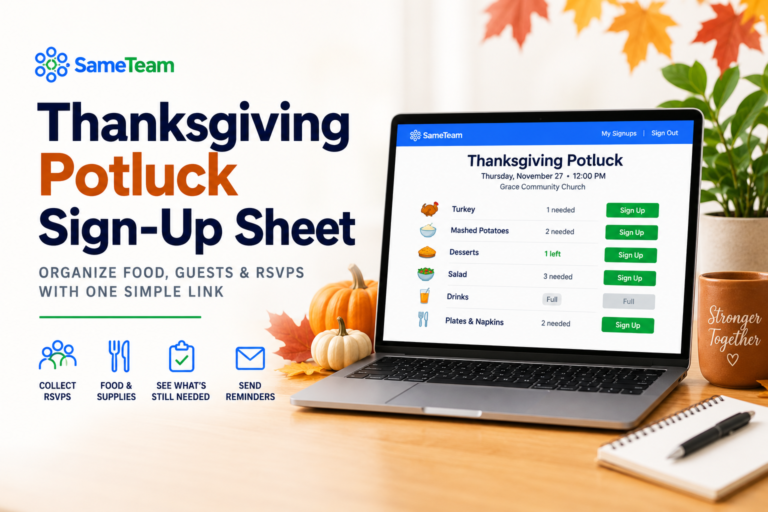
Each event can be set up with RSVPs, signups, or both. For a potluck, that means you can simply ask people to claim dishes if that’s all you need — or collect a headcount and potluck signups together when attendance matters too.
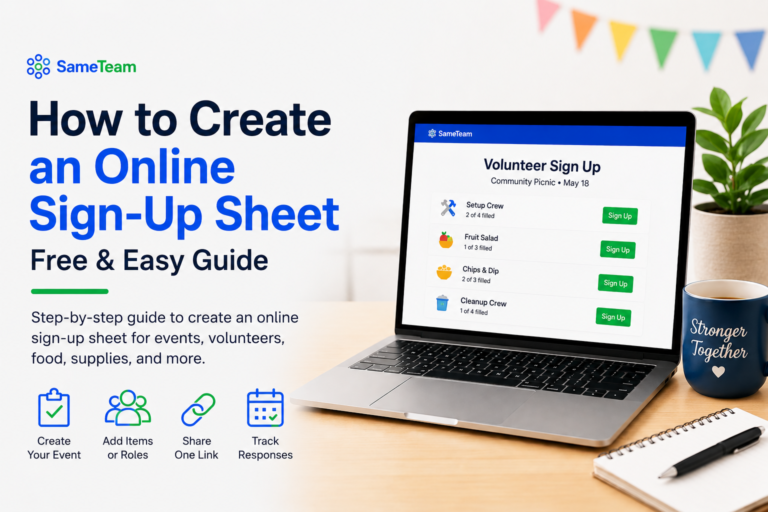
Signups aren’t limited to food. The same event can include dishes, drinks, paper products, serving supplies, setup help, cleanup crews, volunteer roles, or whatever else your group needs. Organizers can see responses and signup coverage from a private dashboard instead of piecing together information from separate forms, spreadsheets, and group messages.
- Flexible event types: Create RSVP-only, signup-only, or combined RSVP + signup events.
- Potluck signups: Organize dishes, drinks, supplies, serving items, or other contributions.
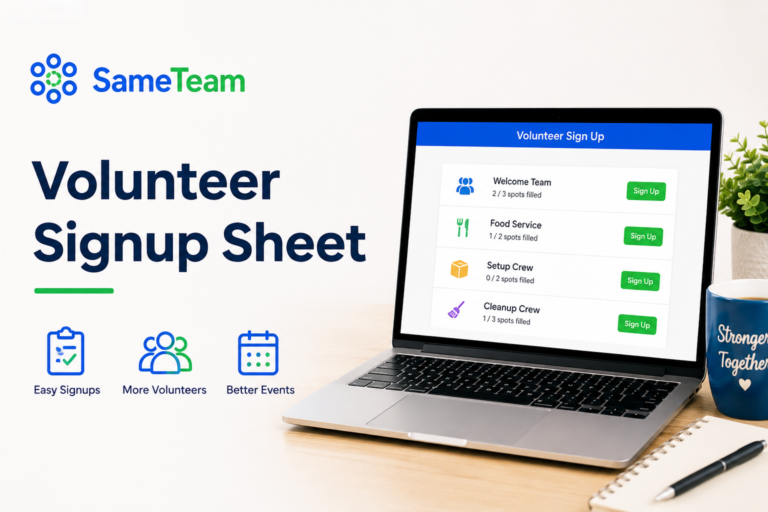
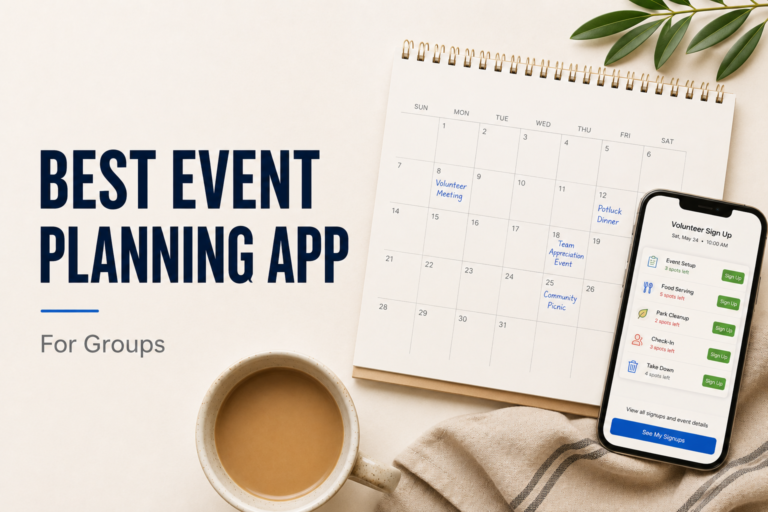
- Volunteer scheduling: Add volunteer roles and signup spots alongside the rest of the event.
- RSVP tracking: Collect Yes, No, or Maybe responses and party size when you need an accurate headcount.
- Real-time availability: Guests can see what signup spots are still available before choosing.
- Organizer dashboard: See responses, signup coverage, capacity, and what’s still needed in one place.
- Event reminders: Organizers can send RSVP or signup reminders to people who have already responded or signed up.
- Personal update links: Guests receive their own link so they can return and update their response or signups.
- Deadlines and capacity: Set response deadlines and event capacity when your event needs them.
- Easy sharing: Share your event with one link or QR code.
- No guest accounts: Guests don’t need to create a password or become SameTeam users.
- No app downloads: The guest experience works directly in the browser.
SameTeam doesn’t place third-party ads on your event pages, but the difference goes beyond what guests see on the screen. Guests are there because you invited them to your event — they aren’t treated as SameTeam’s marketing audience afterward. SameTeam does not use your guest list to send promotional advertising emails. Event-related emails stay focused on the event they joined.
That approach makes SameTeam especially useful for organizations that care about the experience they’re giving their members, volunteers, parents, families, or community. Guests can respond to the event without being asked to download an app, manage another account, or trade their attention for advertising.
SameTeam is built to cover the coordination organizers use most — RSVPs, signups, volunteer scheduling, reminders, capacity, deadlines, event details, and guest updates — without making someone learn a large event-management system just to organize a potluck, volunteer day, picnic, or school event.
Cost: Your first event is free with no credit card required. Paid plans are available for organizers who want to continue creating events.
Best choice if: You want a modern, streamlined event coordination tool with robust organizer features and a simple, ad-free experience for guests.
2. SignUpGenius — Best for a Feature-Rich, Established Signup Platform
SignUpGenius is one of the best-known online signup platforms and supports potlucks, volunteer schedules, school activities, church events, team events, and many other group needs.
For potlucks, organizers can create categories or specific dishes, let participants select what they’ll bring, collect additional information, and use reminders to help people remember their commitments. SignUpGenius also supports an RSVP-style signup when you need both attendance information and potluck selections.
- Dedicated potluck signup options
- Large selection of templates and themes
- Automatic reminders
- RSVP-style signups available
- Participants can sign up without creating an account
- Free and paid options
- Payment collection available for groups that need it
Keep in mind: SignUpGenius offers both free and paid plans. Paid plans add additional features, but the number of signups that can be made ad-free varies by plan. Organizers who run multiple events and want an ad-free guest experience may want to compare those limits when choosing a plan.
Best choice if: You already use SignUpGenius or want a long-established platform with a broad collection of signup features and templates.
3. SignUp.com — Best for Food, Supplies & Volunteer Commitments
SignUp.com is another long-running signup platform with tools specifically for potlucks and parties. Organizers can list dishes, supplies, and jobs such as setup or cleanup, making it useful when your gathering needs more than food.
- Dedicated potluck and party signup format
- Food, supply, and volunteer spots
- Automatic reminders
- Works for small or large gatherings
- Also supports schools, churches, sports teams, nonprofits, and other groups
Best choice if: Your potluck includes several types of contributions — such as dishes, supplies, setup, and cleanup — and you want a traditional signup platform to coordinate them.
4. PerfectPotluck — Best for a Simple, Dedicated Potluck List
PerfectPotluck keeps its focus narrow: coordinating a group meal. Organizers create an online signup sheet, invite participants, and use automated reminder emails to help everyone remember what they’re bringing.
- Designed specifically around group meals
- Free to use
- Customized online signup sheet
- Invitation tools
- Automated reminder emails
- Recipe ideas for group meals
Best choice if: You don’t need broader event-management features and mainly want a straightforward way to coordinate food for one group meal.
5. Meal Train Potluck — Best for Meal-Centered Gatherings & Shared Expenses
Meal Train is best known for coordinating meals for families during life events, but it also offers a separate Potluck tool designed for one-date group gatherings.
Organizers can set the date and location, create menu categories, specify how many items are needed, add dietary information, and invite participants to choose what they’ll bring.
- Potluck-specific event setup
- Menu categories and quantities
- Participants can see what others are bringing
- Space for allergies and dietary restrictions
- Optional shared donation fund for event expenses
Best choice if: Your gathering is centered almost entirely around coordinating a shared meal, especially if you’d also like the option to collect contributions toward event expenses.
6. Google Forms — Best for a DIY Potluck Form
Google Forms isn’t a dedicated potluck signup app, but it can work if your needs are basic and you’re comfortable building the system yourself.
You can create questions for attendance, dish categories, dietary restrictions, and other event information, then review responses or send them to Google Sheets.
- Highly customizable form questions
- Responses can be viewed in real time
- Google Sheets integration
- Useful for organizers already working in Google Workspace
Keep in mind: Google Forms is a form builder rather than a dedicated potluck signup system. If you want guests to see which specific slots are still available or prevent multiple people from claiming the same limited item, you’ll generally need to create your own process around the form.
Best choice if: You want a basic DIY solution and don’t mind doing more of the tracking yourself.
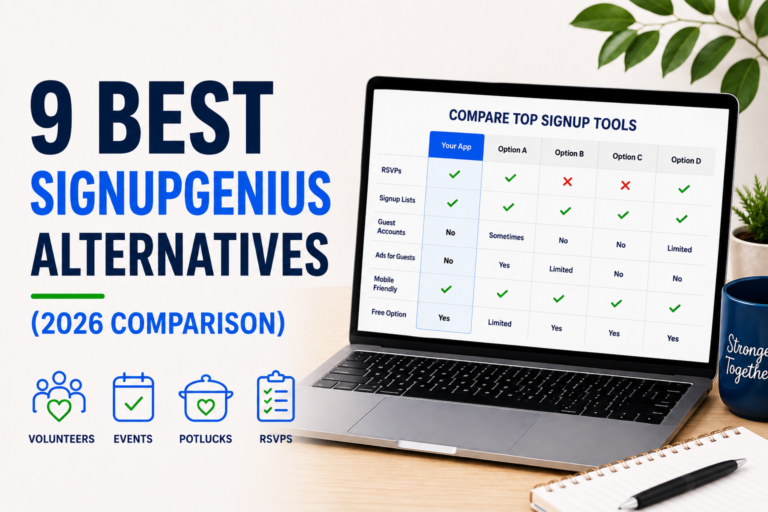
Potluck Sign-Up Sites Compared at a Glance 📊
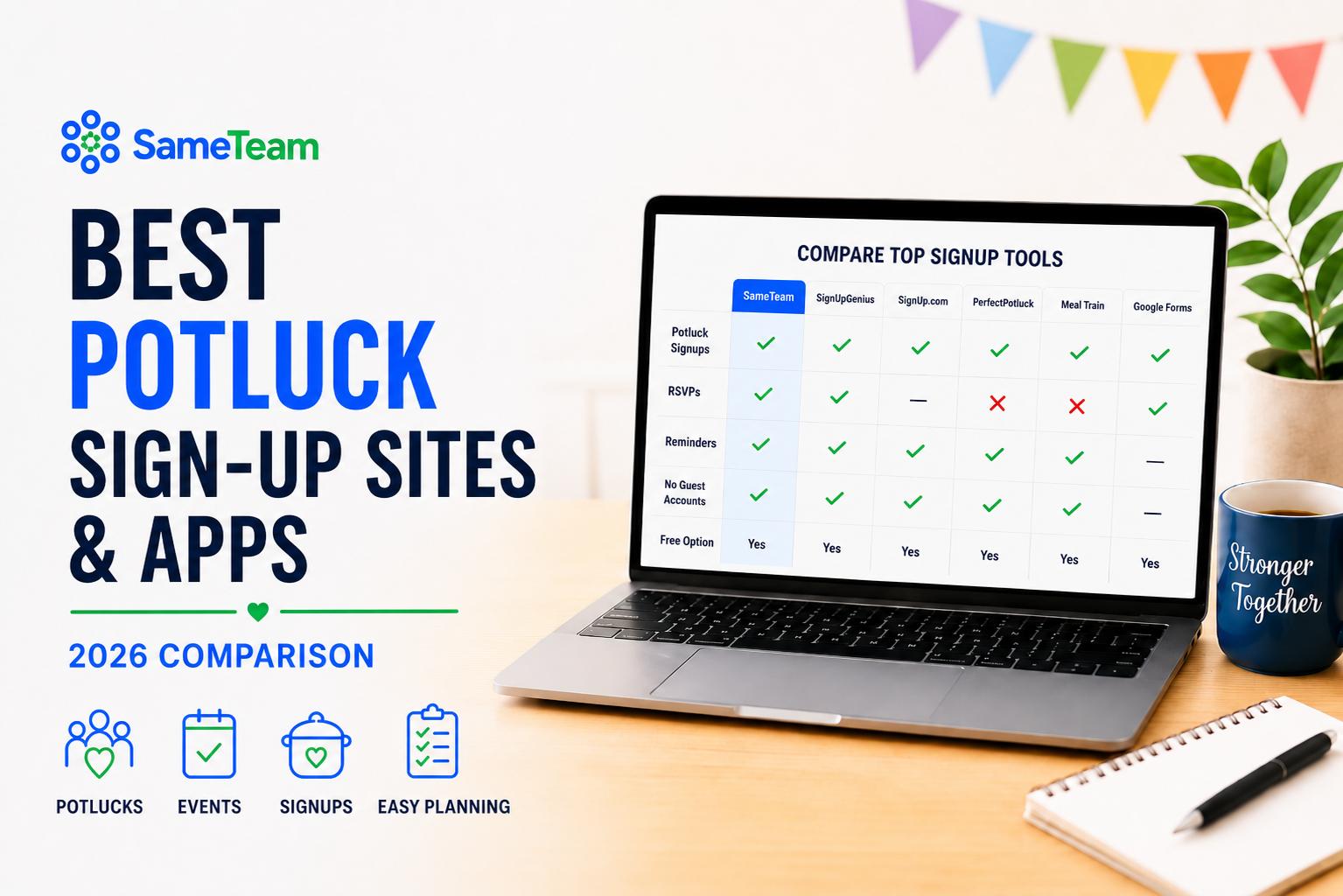
| Tool | RSVPs | Item Signups | Volunteer Signups | Guest Account Required | Ad-Free Guest Experience | Reminders |
|---|---|---|---|---|---|---|
| SameTeam | ✓ | ✓ | ✓ | No | Yes | ✓ |
| SignUpGenius | ✓ | ✓ | ✓ | No | Varies by plan | ✓ |
| SignUp.com | Varies by setup | ✓ | ✓ | Check current setup | Check current plan | ✓ |
| PerfectPotluck | Limited | ✓ | — | Check current setup | Check current terms | ✓ |
| Meal Train Potluck | Meal-focused | ✓ | — | Check current setup | Check current terms | Yes, opt-in |
| Google Forms | DIY | DIY | DIY | Depends on settings | Yes | DIY |
Features and policies can change. Check each provider’s current website and plan details before choosing a tool.
Which Potluck Signup Tool Should You Choose? 🤔
There’s no single tool that’s best for every group. Start with what you actually need to organize — and how much friction you’re comfortable asking guests to deal with.
🍽️ Choose SameTeam if…
You want a modern platform that can handle RSVPs, potluck items, volunteer roles, supplies, reminders, capacity, and other event details while keeping the guest experience simple and ad-free.
📋 Choose SignUpGenius if…
You prefer a long-established signup platform with a large library of templates and a broad feature set.
🙋 Choose SignUp.com if…
You regularly coordinate food, supplies, and volunteer commitments and like a traditional signup-focused workflow.
🥘 Choose PerfectPotluck if…
You mainly need a straightforward tool devoted to organizing one shared meal.
❤️ Choose Meal Train Potluck if…
You want a meal-focused tool and may also need to collect contributions toward group expenses.
📝 Choose Google Forms if…
You only need to collect basic information and don’t mind building and managing more of the process yourself.
What About Church, School & PTA Potlucks?
For larger group potlucks, think beyond the food list. You may also need a headcount, volunteers to set up tables, people to bring paper products, someone to handle drinks, and a cleanup crew after everyone leaves.
That’s where a tool that combines event coordination with flexible signups becomes especially useful. A church organizer, for example, might need 75 RSVPs, 10 side dishes, 6 desserts, 4 drink volunteers, and 5 people for cleanup — all for the same event.
If that’s the kind of event you’re organizing, see our guides to church event planning and PTA event planning.
A Better Potluck Starts With a Better Signup 🍴
When comparing the best potluck sign up sites, the right choice comes down to what your event actually needs and what kind of experience you want to give your guests.
You don’t need complicated event software to organize a great potluck. You need a system that makes it obvious who’s coming, what’s needed, what’s already covered, and what each person agreed to bring — without making guests jump through unnecessary hoops.
Whichever tool you choose, set up clear categories, share the signup early, and check for gaps before the event. If you want the full planning process — including timelines, food categories, common mistakes, themes, and a checklist — read our Complete Potluck Signup Guide.
🍽️ Plan your next potluck with SameTeam
Create an RSVP, signup, or both. Add dishes, supplies, or volunteer spots, then share one simple link with your group. No guest accounts, no app downloads, no third-party ads, and no promotional emails to your guests.
Frequently Asked Questions ❓
What is the best free potluck sign-up site?
Several potluck signup tools offer free options, but the best choice depends on what you need. PerfectPotluck focuses specifically on group meals, while SignUpGenius and SignUp.com offer broader signup tools. SameTeam lets organizers create their first event free and can combine RSVPs, potluck signups, volunteer needs, and other event coordination in one place.
Can I create a potluck signup without requiring guests to create accounts?
Yes. Some online signup tools allow guests to participate without creating an account. With SameTeam, guests can open the shared event link, enter their information, RSVP or choose an available signup item, and receive a personal link for making updates later without creating a guest account.
Can Google Forms be used for a potluck signup?
Yes. Google Forms can collect names, RSVPs, dish choices, and other information. However, because it’s a general-purpose form builder rather than a dedicated signup tool, organizers may need to manually manage availability and duplicate selections.
What’s the easiest way to organize a large potluck?
Divide your signup into categories such as mains, sides, desserts, drinks, supplies, setup, and cleanup. Use an online signup that lets guests see what’s still needed, collect RSVPs if you need a headcount, and send the link well before the event so people have time to choose what they’ll bring.
Should a potluck signup include an RSVP?
If you need an accurate headcount, yes. Knowing what people are bringing doesn’t necessarily tell you how many people are attending, especially when families or couples are coming together. A tool that collects both RSVPs and potluck signups can make planning quantities much easier. If you don’t need a headcount, a signup-only event may be all you need.
What categories should I put on a potluck signup?
A simple starting point is main dishes, side dishes, desserts, drinks, and supplies. Larger events can also include appetizers, serving utensils, paper products, setup volunteers, and cleanup volunteers.