College Event Planning Made Easy: Club Events, RSVPs & Volunteer Signups
Planning a club social, sorority philanthropy event, campus potluck, or volunteer day? Collect RSVPs and organize signups with one simple link. Create your first SameTeam event free.
Create Your First Event Free →
No guest accounts · No app downloads · No ads
College event planning doesn’t have to mean juggling group chats, spreadsheets, and last-minute volunteer requests. Whether you are a college club president, sorority or fraternity officer, student activities coordinator, or campus volunteer leader, you need an easy way to keep track of attendance, supplies, and people willing to help.
A simple college event signup sheet gives everyone one place to respond. With SameTeam Events, you can collect RSVPs, coordinate volunteer roles, or do both for the same event—without asking participants to make accounts. With one shared signup link, your student organization can keep everything organized.
Quick answer: To organize a college club event, create an RSVP Only, Signup Only, or RSVP + Signup event in SameTeam. Add event details, include volunteer roles or items if needed, publish, and share one link with your members. Track responses and remaining signup spots from your organizer dashboard.
College events you can organize with an online signup sheet
The right setup depends on what your student organization needs to know: who is attending, who is bringing something, or who is volunteering. Here are practical examples.
Collect RSVPs for club kickoffs, end-of-semester celebrations, guest speaker nights, networking events, and member gatherings.
Coordinate chapter dinners, sisterhood or brotherhood activities, philanthropy projects, service events, and volunteers. Use a signup list for roles or supplies.
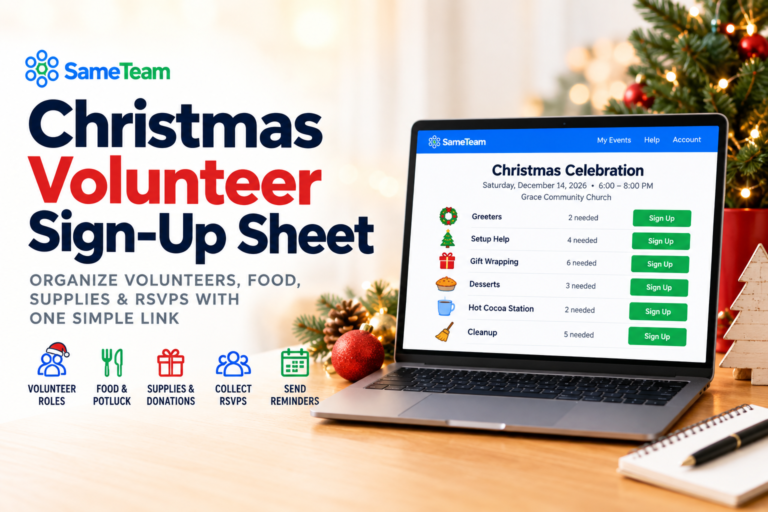
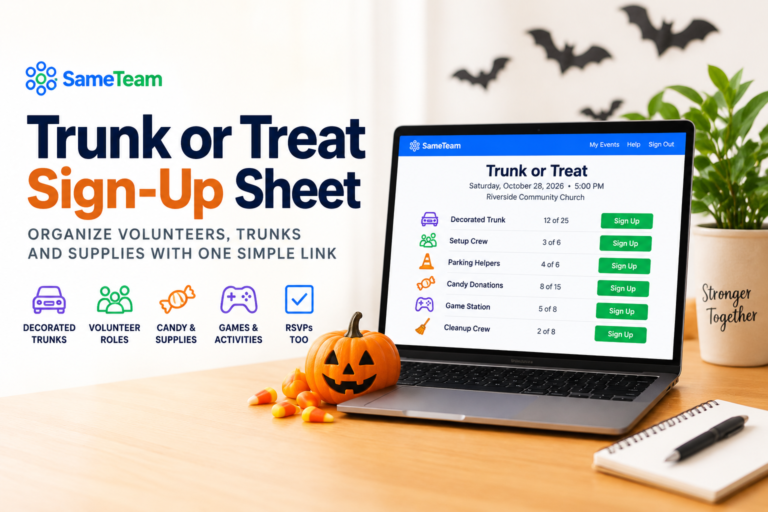
List available volunteer roles or shifts for campus cleanups, food drives, community outreach, and service days.
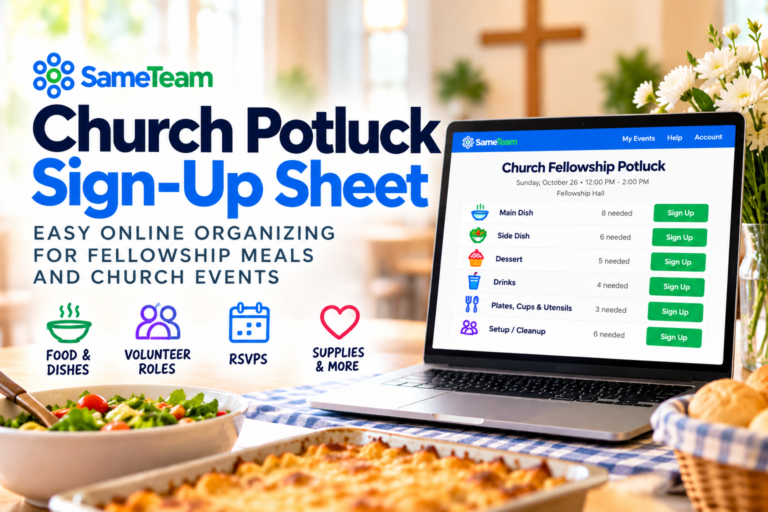
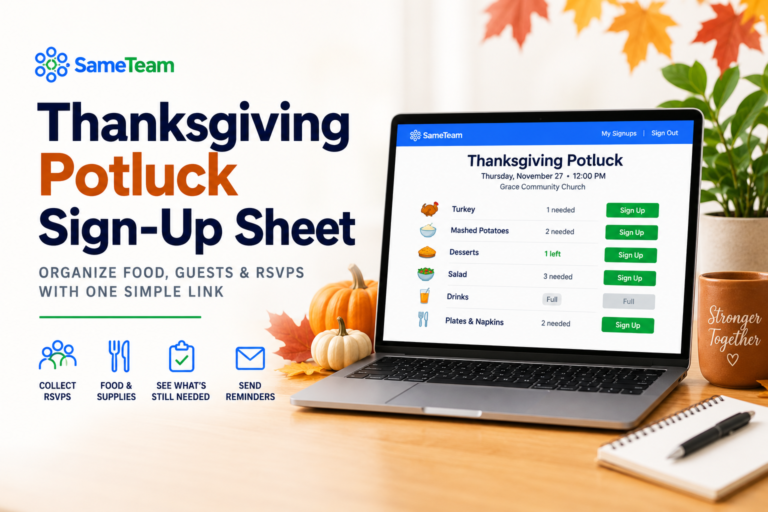
Create signup items for entrees, sides, desserts, drinks, or supplies so members can choose what to bring.
Track attendance and assign setup, welcome-table, cleanup, or other support roles. Payments, ticket sales, and campus approvals should be handled separately.
Which type of college event signup should you use?
A. RSVP Only: when you need a headcount
Great for a club social, chapter dinner, speaker event, or informational meeting. Members can respond Yes, No, or Maybe, and you can review responses in one place.
B. Signup Only: when you need volunteers or contributions
Ideal for volunteer shifts, event setup, snack donations, and potluck dishes. Add each item or role and the number of people or contributions needed.
C. RSVP + Signup: when you need both
Use this for events where you want to know who is attending and who can help. For example, collect RSVPs for a philanthropy event while organizing check-in, setup, and cleanup volunteers.
How to create a college club event signup in SameTeam
1. Create your event
Choose RSVP Only, Signup Only, or RSVP + Signup. Give your event a clear title such as Campus Service Day or Fall Club Potluck, then enter the date, time, location, and instructions.
2. Add volunteer roles or signup items
For a service event, add roles such as Setup Crew, Welcome Table, and Cleanup Crew. For a potluck, add dishes, drinks, or supplies. Specify how many spots each item needs.
3. Set a response deadline if needed
Give members time to respond while allowing your event team to finalize attendance, volunteer coverage, and supplies before the event.
4. Publish and share one link
Post the event link in your club group chat, chapter newsletter, email, or campus organization page. Participants enter their name and email to respond; no guest account or app is required.
5. Track RSVPs and signup coverage
Use the Responses page to see attendance and signup activity. Check which volunteer spots are filled and which still need people.
6. Reuse the process for your next event
The same organizer can create events throughout the semester, whether it is a weekly club activity, monthly service project, or end-of-year celebration. After the first free event, continued event creation requires a paid plan.
Example: Sorority or fraternity philanthropy event signup
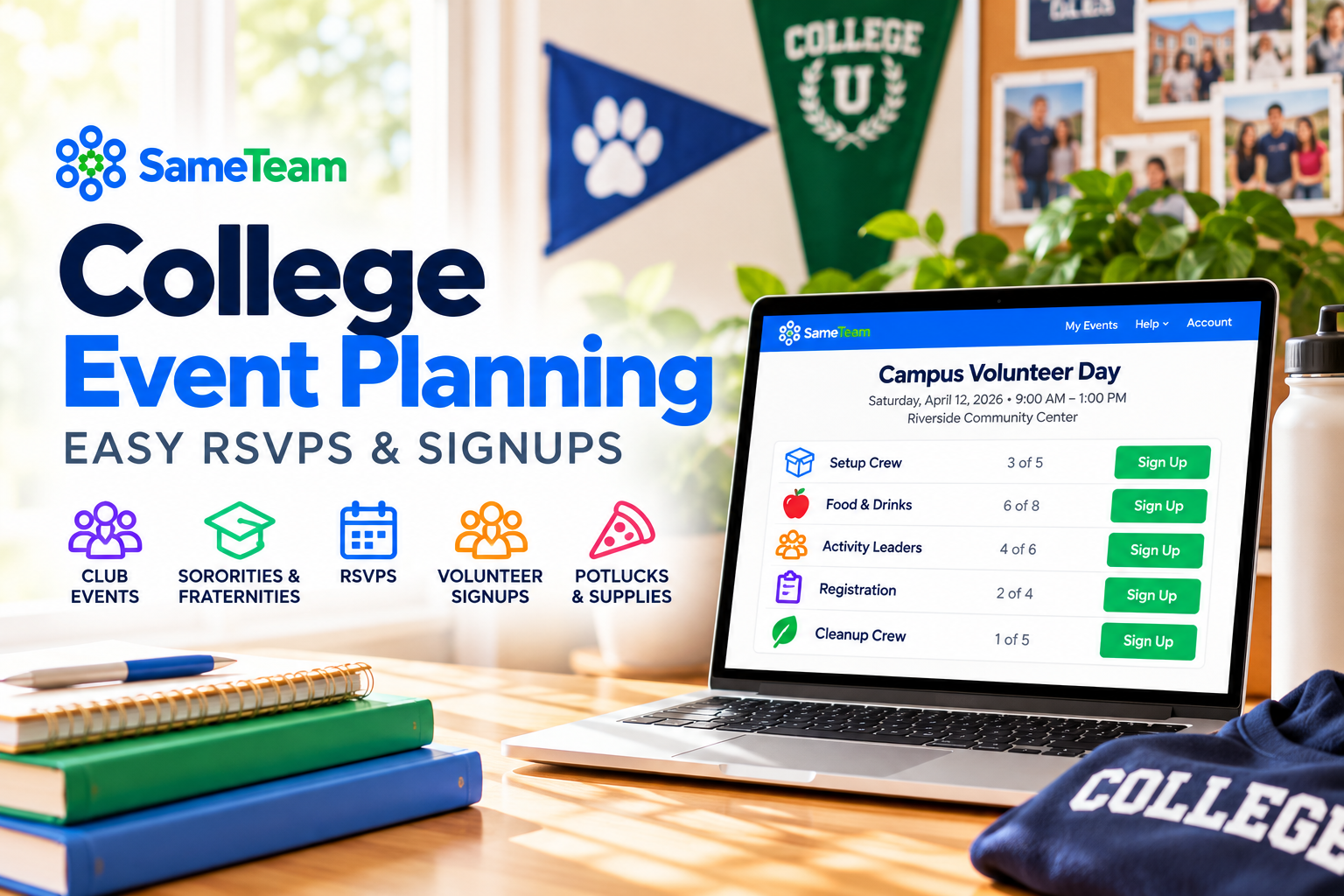
Imagine your chapter is organizing a Saturday community service project. Instead of collecting volunteers through scattered messages, create one event and share it with members. Here is an illustrative signup plan:
Illustrative setup, not a live event or actual availability.
You can use Signup Only if you just need volunteers, or RSVP + Signup if you also want a count of everyone attending. If your chapter tracks required service hours, keep that record in your chapter’s existing system; SameTeam is not an automatic volunteer-hours tracker.
College event planning tips for student organizations
Good college event planning usually comes down to one thing: giving members a single, easy place to respond. Here’s why one shared signup link makes a difference.
Keep attendance and signup selections organized instead of manually piecing together replies from different conversations.
Guests do not need to create an account or download an app. They can use a personal emailed link to review or update their response while changes are permitted.
See which signup spots are filled and which volunteer roles or contributions still need attention.
Use the same straightforward process for chapter events, club meetings, potlucks, volunteer days, and other recurring campus activities.
College potluck and club dinner signup ideas
Food-focused gatherings are especially easy to organize with a signup sheet. Instead of asking everyone to reply with what they are bringing, list categories such as main dishes, sides, desserts, beverages, plates, and napkins. Members can choose an item, and organizers can see what is still needed.
For more meal-planning tips, explore our online potluck signup guide. Planning a campus service project instead? See how to organize a volunteer signup sheet. For a full overview, see SameTeam for college clubs and student organizations.
Is SameTeam free for college clubs and student organizations?
Your first SameTeam event is free. Try it with a club meeting, chapter activity, potluck, or volunteer event before choosing a subscription.
SameTeam does not offer unlimited free events. After your first event, plans start at $12/month, billed annually, with unlimited events and participants. Students who RSVP or sign up never need an account, subscription, or app.
If your college requires events to be registered or approved through a campus platform, continue following those rules. SameTeam can help with RSVPs and signups; it does not replace official campus approval, ticketing, or payment systems.
Ready to simplify your next campus event?
Whether you lead a club, Greek organization, or campus volunteer group, create one event link for RSVPs and signups. Try your first event free.
Create Your First Event Free →
No guest accounts · No app downloads · No ads
Frequently asked questions about college event planning
How do I create an online signup sheet for a college club?
Create a SameTeam Signup Only event, enter your club event details, add the items or volunteer roles you need, and share the published link. Members can select available signups without creating guest accounts.
Can sororities and fraternities use SameTeam for chapter events?
Yes. Chapter officers can use it for RSVP collection, philanthropy volunteers, chapter meals, social events, and service projects. It does not manage dues, payments, or mandatory campus event approvals.
Can I collect RSVPs and volunteer signups in the same event?
Yes. Choose RSVP + Signup and add at least one signup item. Participants can respond to the event and choose available roles or contributions.
Can members sign up without downloading an app?
Yes. Members use the shared event link in a web browser and enter their name and email. No app download or guest account is required.
Can members change their RSVP or signup later?
They can use their emailed personal link to review or update their selections while the event is open for changes and signup spots are available.
Can I organize a college potluck with an online signup sheet?
Yes. Create items for dishes, drinks, and supplies, then share one link so participants can choose what they will bring.
Is SameTeam completely free for student organizations?
The first event is free. Creating additional events requires a paid organizer subscription; guest participants do not need to pay.
Does SameTeam replace our university student organization platform?
No. If your school requires event registration, risk approval, room reservations, or other campus processes, use the university system for those tasks. SameTeam focuses on guest RSVPs and event signups.
From club socials to chapter philanthropy projects, the best college event planning process is one your members will actually use. Create your first college event free with SameTeam →