Free Parent-Teacher Conference Sign-Up Sheet: Easy Online Scheduling for Schools
Let families choose available conference time slots from one simple link—without paper sign-up sheets, endless email chains, or parent accounts. Create your first conference sign-up event free with SameTeam.
Create Your First Sign-Up Free →
No parent accounts · No app downloads · No ads
Parent-teacher conferences should be about meaningful conversations—not spending hours coordinating appointment times. Whether you’re a classroom teacher scheduling individual meetings or a school organizing conference day, an online parent-teacher conference sign-up sheet can make the process easier for everyone.
Instead of passing around a paper schedule or exchanging emails to find an open appointment, share one link where families can see available times and sign up. SameTeam Events lets you create your first event free, so you can try the process with your next conference day.
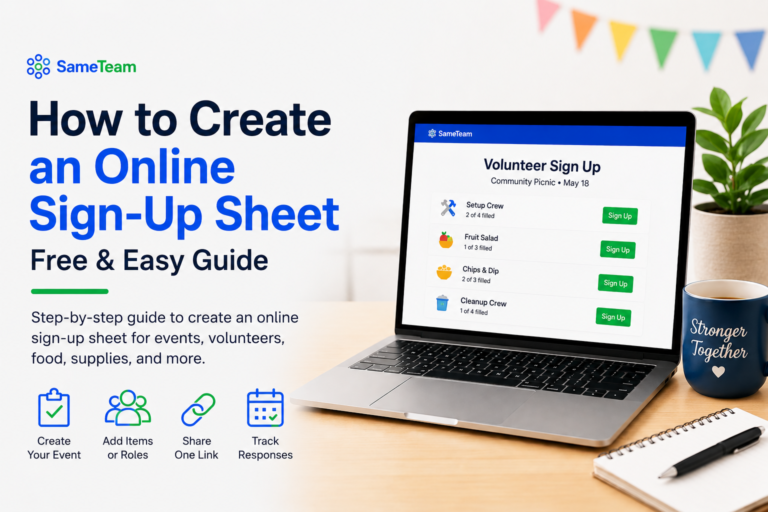
Quick answer: To create a parent-teacher conference sign-up sheet, set up a Signup Only event, add each available appointment time as a signup item, set each slot to one person, and share the event link with families. Parents can view the available times, enter their name and email, and choose a slot.
How to Create a Parent-Teacher Conference Sign-Up Sheet
Conference scheduling often involves more than simply choosing a date. Teachers need to offer multiple time slots, avoid double-booking, and know which families have signed up. Parents need a quick way to find an appointment that works for their schedules.
Show appointment times and remaining availability so parents can choose a slot that fits.
See which appointment slots are filled and which still need a family to sign up.
Parents use the shared event link and receive a personal email link to view or update their signup, subject to the event’s deadline and availability.
Use the same approach later for classroom volunteers, teacher appreciation, school celebrations, and other recurring events.
How to create a parent-teacher conference sign-up sheet
You don’t need specialized appointment-scheduling software to organize a straightforward conference day. Here’s how to set it up in SameTeam.
1. Create a Signup Only event
Give it a clear name such as Parent-Teacher Conferences — November 2. Include the school or classroom, the conference date, and any helpful instructions in the description.
2. Add your available conference time slots
Create one signup item for each appointment, such as 11:00–11:15 AM, 11:15–11:30 AM, and 11:30–11:45 AM. Choose 15-, 20-, or 30-minute slots according to your school’s schedule. Add breaks between meetings where needed.
3. Limit each appointment to one signup
Set the number needed to 1 and use the “Each person fills one spot” option. This is ideal for appointment slots, shifts, and roles. As families sign up, available spots are updated and full slots are labeled accordingly.
4. Add instructions for families
Explain whether conferences are in person, virtual, or offered both ways. If families should specify their preference, ask them to include it in the optional Note for the Organizer field. You can also set a respond-by deadline so signups close when you’re ready to finalize the schedule.
5. Publish and share one link
Send the conference signup link through your school’s usual communication channels—email, a class newsletter, or a parent messaging platform. Families don’t need to download an app or create an account.
6. Monitor the schedule
Check the organizer’s Responses page to see filled and remaining slots. Families can use their emailed personal link to review or update their selections while changes are allowed.
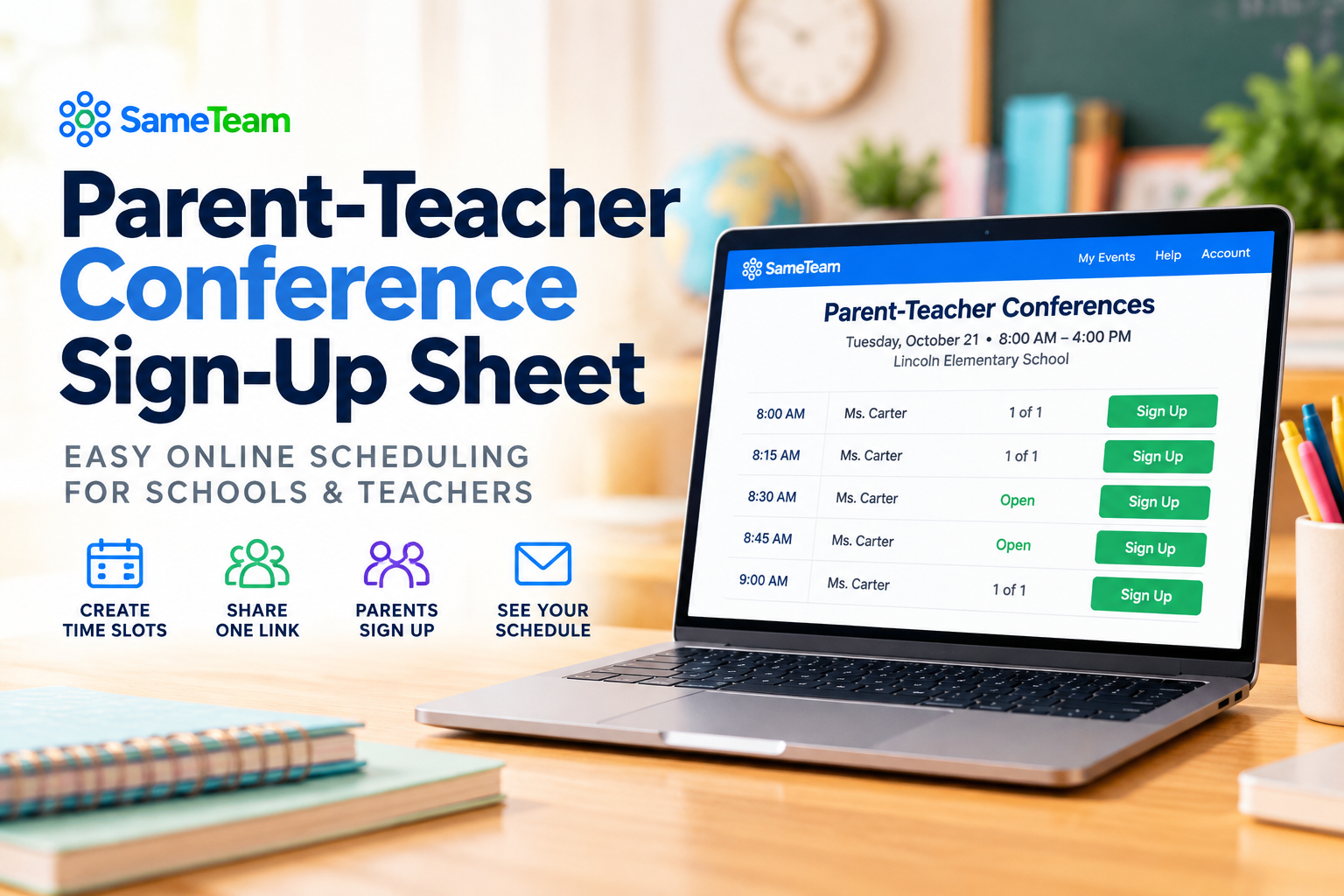
Example: A 15-minute parent-teacher conference schedule
Here’s an example of how a teacher might organize a morning of conferences. Each appointment is a separate signup item with one spot available.
Illustrative example, not a live signup sheet.
For a full conference day, simply continue adding appointment slots for the morning and afternoon. Teachers who need more than one family per time period can choose an appropriate quantity instead.
What parents see when they open the signup link
Parents first see the event information and can preview available conference slots. They enter their name and email address, then continue to select an appointment. The email address is used to send a personal link so they can return to their signup later.
That means there’s no parent account to create and no separate app to install. The availability preview also lets families look at open time slots before entering their information.
Put your most important instructions at the top of the event description. For example: “Please select one conference time per family. In the Note for the Organizer field, tell me whether you’d prefer to meet in person or through Google Meet.”
A simple conference signup is useful beyond conference day
Many schools coordinate more than parent-teacher conferences. The same signup approach works for classroom volunteers, field trip helpers, teacher appreciation events, school celebrations, supply contributions, and PTA activities.
That’s especially useful for schools and parent groups that organize events throughout the year. Instead of teaching families a new tool each time, you can keep using a familiar signup experience. Explore more ideas for school event planning and PTA event signups.
Is SameTeam’s parent-teacher conference signup really free?
Your first SameTeam event is free. You can use it to create and share a parent-teacher conference sign-up sheet and see whether the experience works for your school or classroom.
SameTeam is not an unlimited free scheduling service. After your first event, paid organizer plans are available for schools, teachers, PTAs, and other groups that want to keep organizing events. That makes the first free event a practical way to try the platform without committing to a subscription.
Ready to make conference scheduling easier?
Create your first parent-teacher conference sign-up sheet free. Share one link, let parents choose available times, and keep your schedule organized.
Create Your First Event Free →
No guest accounts · No app downloads · No ads
Frequently asked questions about parent-teacher conference signups
Is there a free online parent-teacher conference sign-up sheet?
Yes. SameTeam lets you create your first event free, including a conference signup with individual appointment slots. Additional events require a paid organizer plan.
Can parents sign up without creating an account?
Yes. Parents enter their name and email, select an available time, and receive a personal link to view or update their signup. They don’t need an account or app download.
Can I create 15-minute or 30-minute conference appointments?
Yes. Add each appointment time as its own signup item. You choose the intervals and enter the slots you want to offer; SameTeam does not automatically generate them.
How do I keep two families from taking the same time slot?
Set each appointment item’s number needed to one and select “Each person fills one spot.” When that spot is filled, the signup shows as full rather than offering another available spot.
Can parents change their conference time later?
Parents can use their emailed personal link to review and update their signup while the event is open for changes and the desired slot is available.
Can I offer in-person and virtual conferences?
Yes. Explain the available meeting formats in your event description and ask families to indicate their preference in the optional organizer note. Video meeting links are arranged separately.
Can I set a deadline for parents to sign up?
Yes. Set a respond-by date. The event accepts responses through that date and closes responses after the deadline.
Whether you’re planning conferences for one classroom or coordinating school events throughout the year, a clear signup process saves time for teachers and makes it easier for families to participate. Create your first parent-teacher conference signup free with SameTeam →